Available workflow nodes
Open Configure workflow, then the BPMN designer. The current palette offers 13 action/gateway node types. Form Data is supplied by the graph. Each illustrated section gives the visible BPMN label and the stored node identity. These documentation drafts are not published workflows and no external actions were executed for the screenshots.
Use the configuration screenshot as a guide. Select it to open the full-size image.
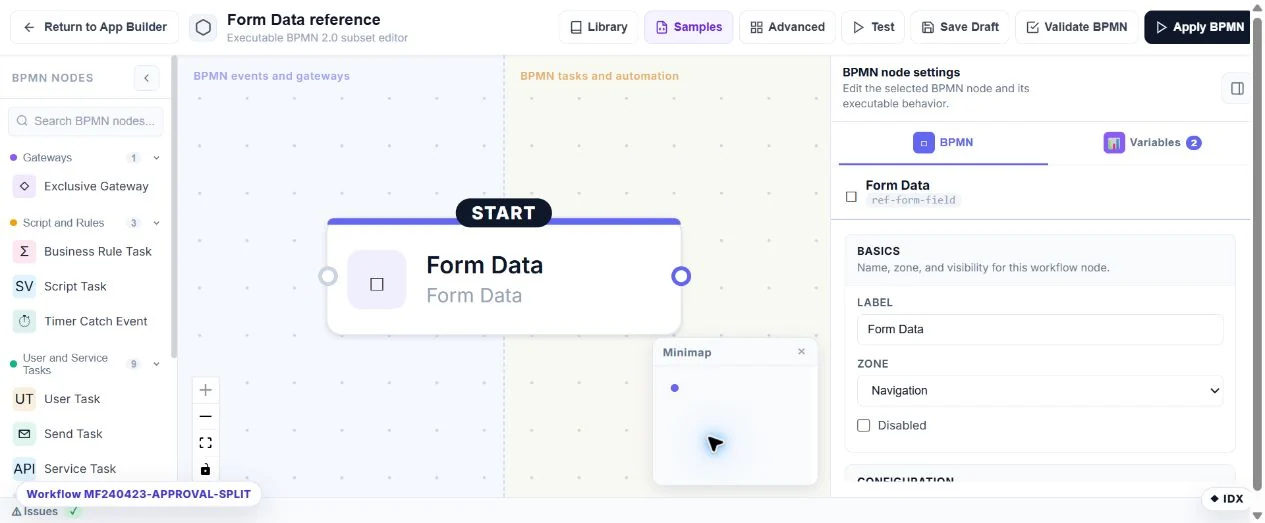
Form Data
Represents a form field or page and supplies the form-data context.
Node type: FormField.
Automatic form-data node; not a palette action.
Configure: Field/page mode, field key and page index.
Result: The selected form-data context continues to the next node.
Check: Do not mistake this for an email or database write.
Exclusive Gateway
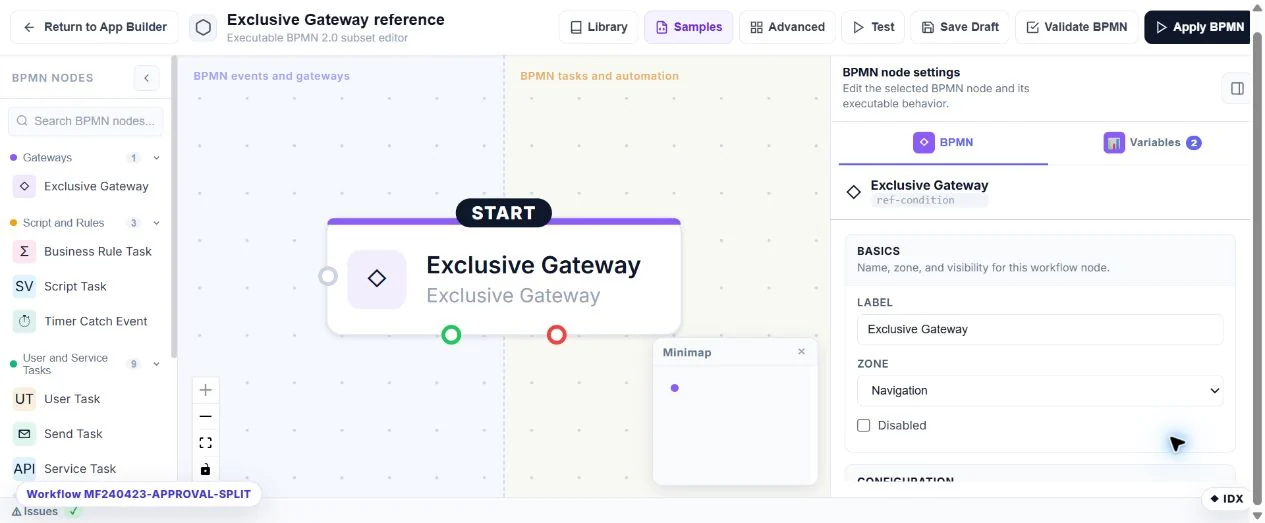
Choose a Yes or No path from answer/variable conditions.
Node type: Condition.
Palette: gateways.
Configure: Condition groups, AND/OR comparisons and output labels.
Result: True or false output handle.
Check: Test both routes, empty answers and numeric zero.
Business Rule Task
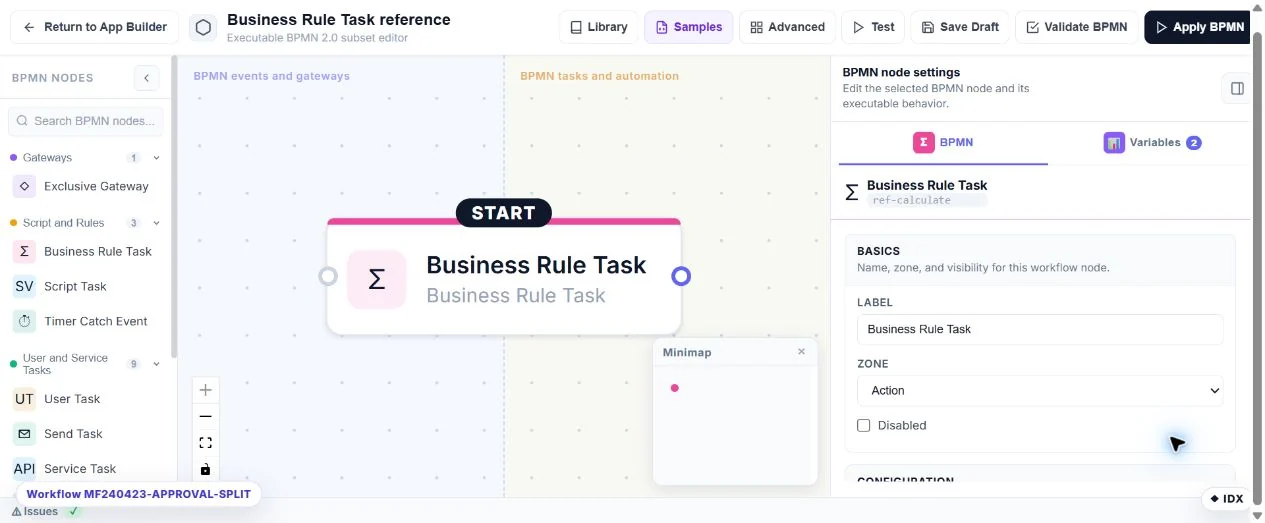
Perform an arithmetic operation during workflow execution.
Node type: Calculate.
Palette: logic.
Configure: Target variable, operands, operator and rounding.
Result: A workflow variable for later nodes.
Check: This does not automatically change a saved field or replace the Calculator widget.
Script Task
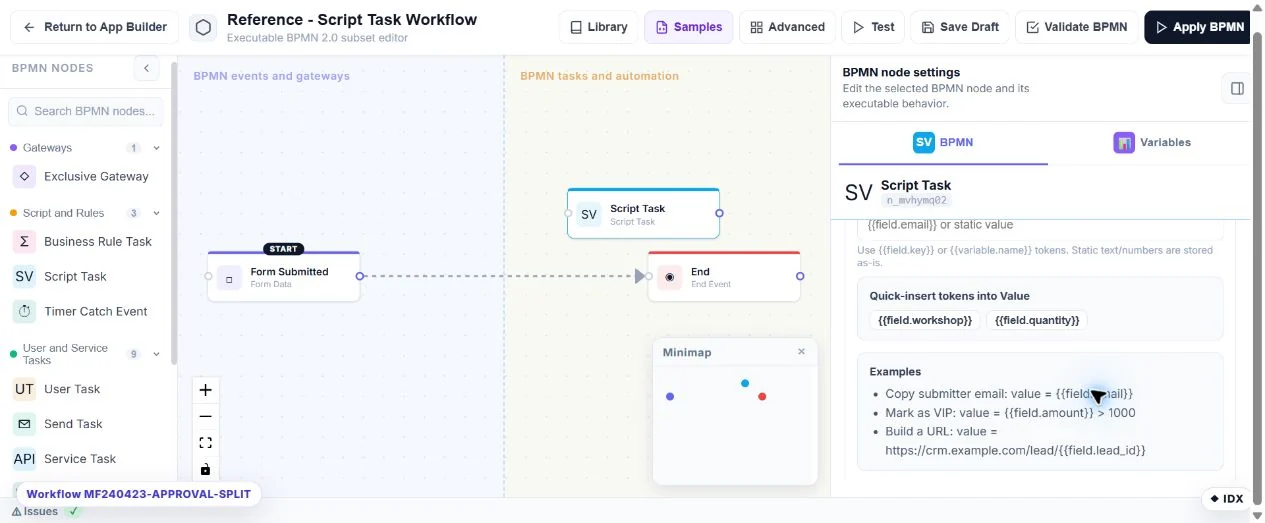
Assign a resolved value to a named workflow variable.
Node type: SetVariable.
Palette: logic.
Configure: Variable key, value/template and declared variable type/default.
Result: An execution variable for subsequent nodes.
Check: The BPMN label Script Task does not mean arbitrary C# execution; use the separate C# after-submit feature for that.
Timer Catch Event
Pause the workflow until a configured delay/due time.
Node type: Delay.
Palette: logic.
Configure: Delay settings and any supported scheduling options.
Result: A waiting execution resumed by the server timer service.
Check: Check Waiting and the subsequent resume; a waiting task is not a failed attempt.
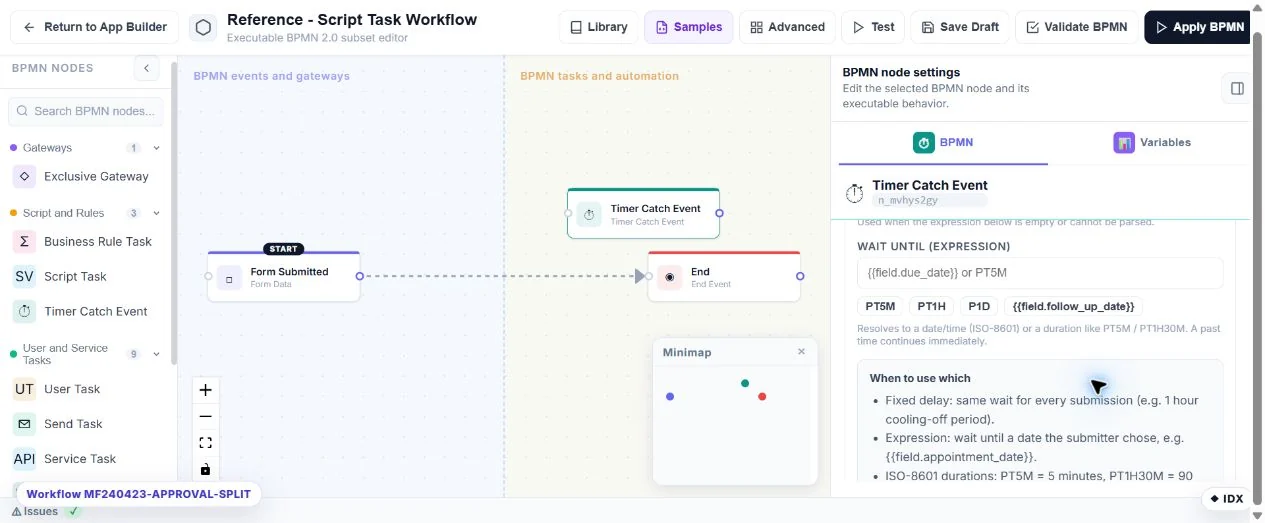
User Task
Create a human decision task in My Inbox.
Node type: Approval.
Palette: actions.
Configure: Candidates/roles, task message, decision paths and applicable timeout rules.
Result: A pending task followed by its approved/rejected route.
Check: Test as an assigned reviewer and as an unrelated account.
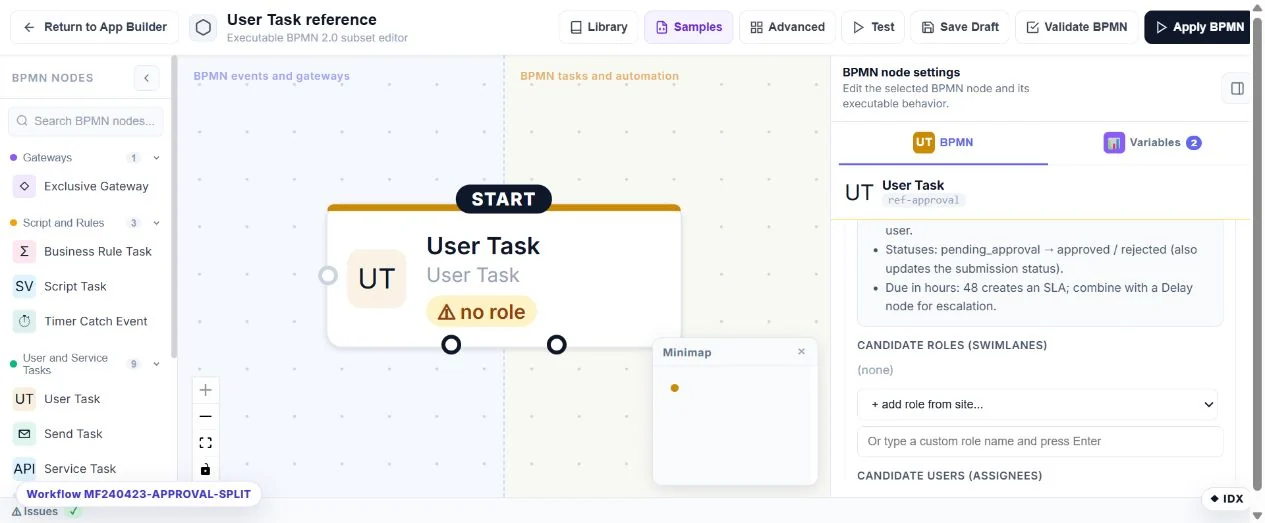
Send Task
Send a notification or respondent email.
Node type: SendEmail.
Palette: actions.
Configure: To/CC/BCC, subject/body, tokens, attachments and configured email transport.
Result: A send result in execution history.
Check: Use QA recipients and inspect delivery; successful queueing is not proof of inbox delivery.
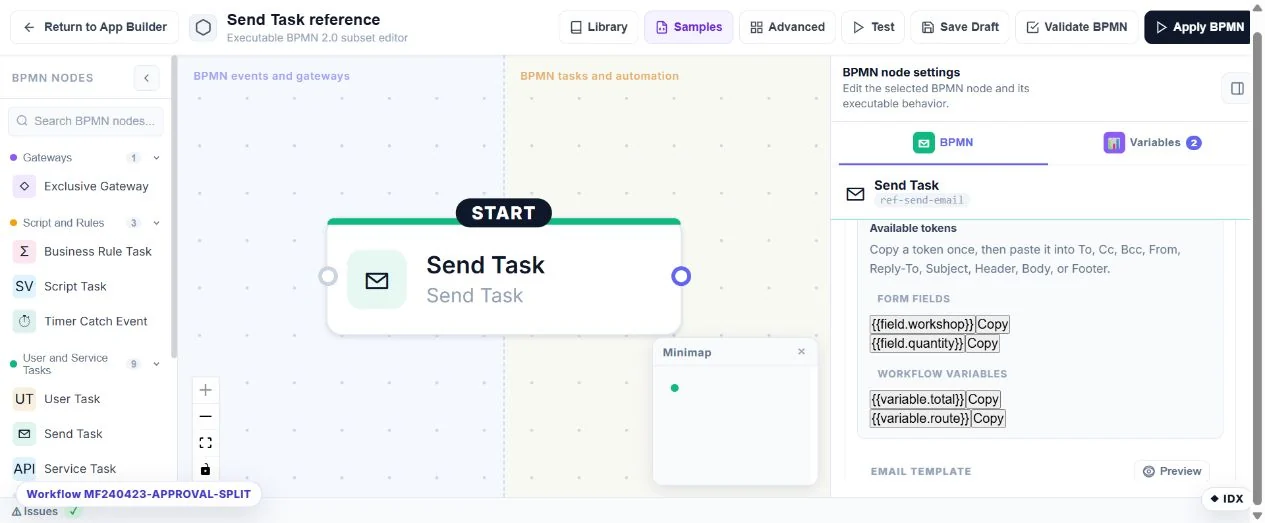
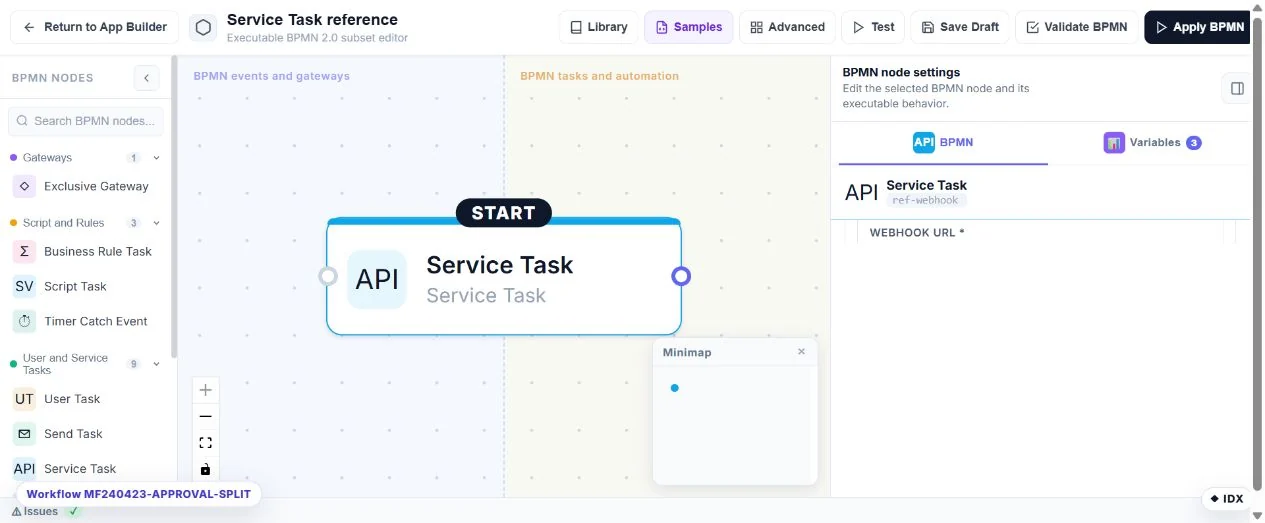
Service Task
Call an HTTP API or webhook.
Node type: Webhook.
Palette: actions.
Configure: URL/method, authentication, headers, body mappings, response routes and retry settings.
Result: An HTTP result and any configured response variables/routes.
Check: Test a non-production endpoint and make repeated requests idempotent.
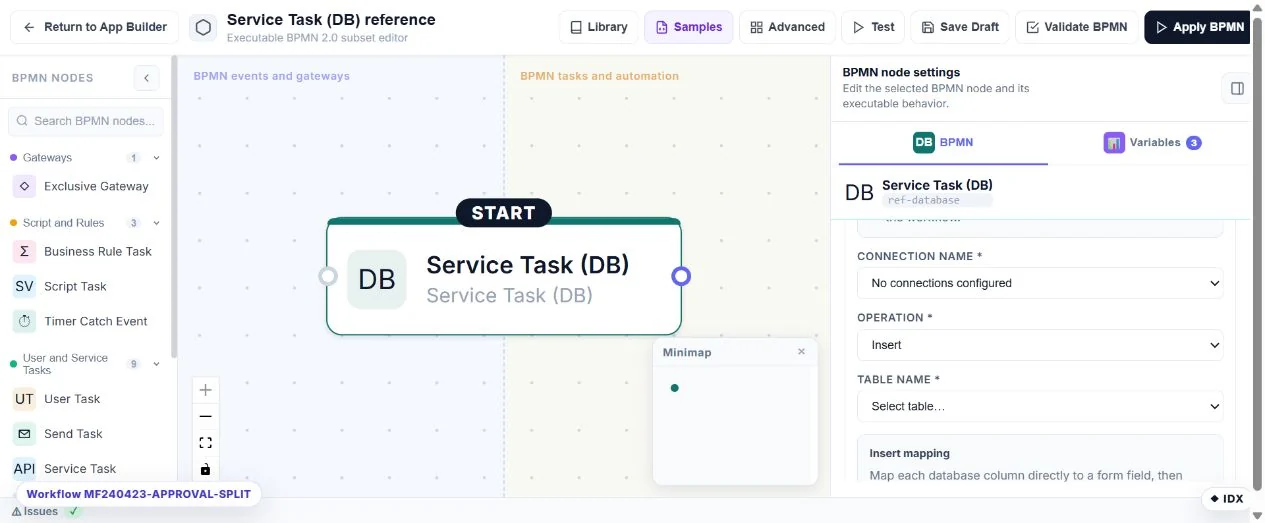
Service Task (DB)
Write mapped answers or call a database procedure through a configured connection.
Node type: Database.
Palette: actions.
Configure: Connection, supported operation, table/procedure, key/column mappings and parameters.
Result: The configured database result/variables.
Check: Use least-privilege connections and a QA table; UI options alone do not prove a provider supports an operation.
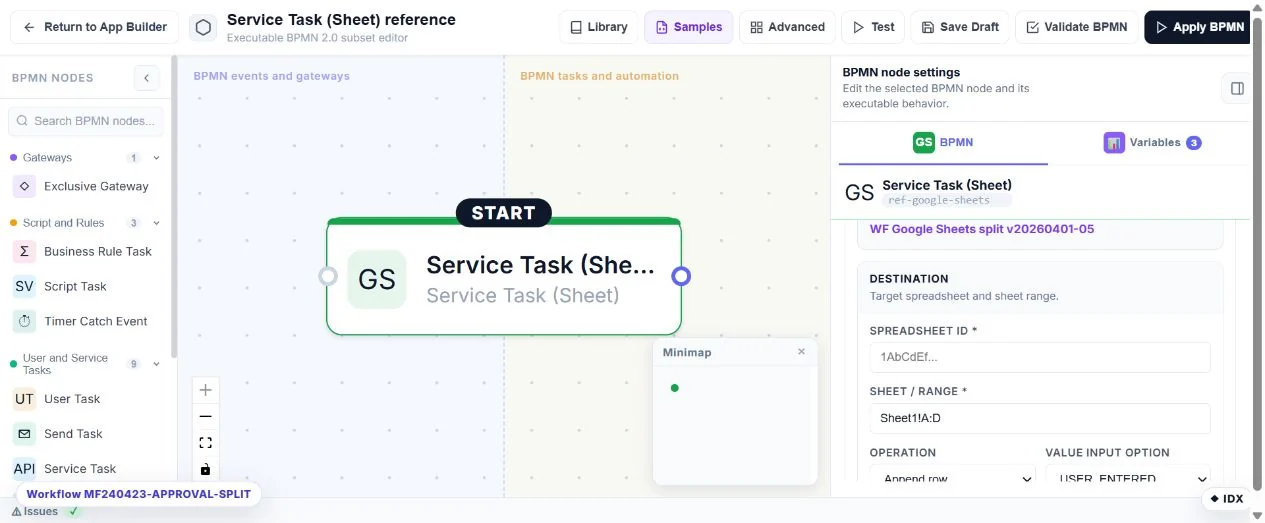
Service Task (Sheet)
Send mapped data to a Google spreadsheet.
Node type: GoogleSheets.
Palette: actions.
Configure: Authenticated connection, spreadsheet/tab and column mappings.
Result: Spreadsheet operation result.
Check: Verify access to the intended spreadsheet and read the resulting row back.
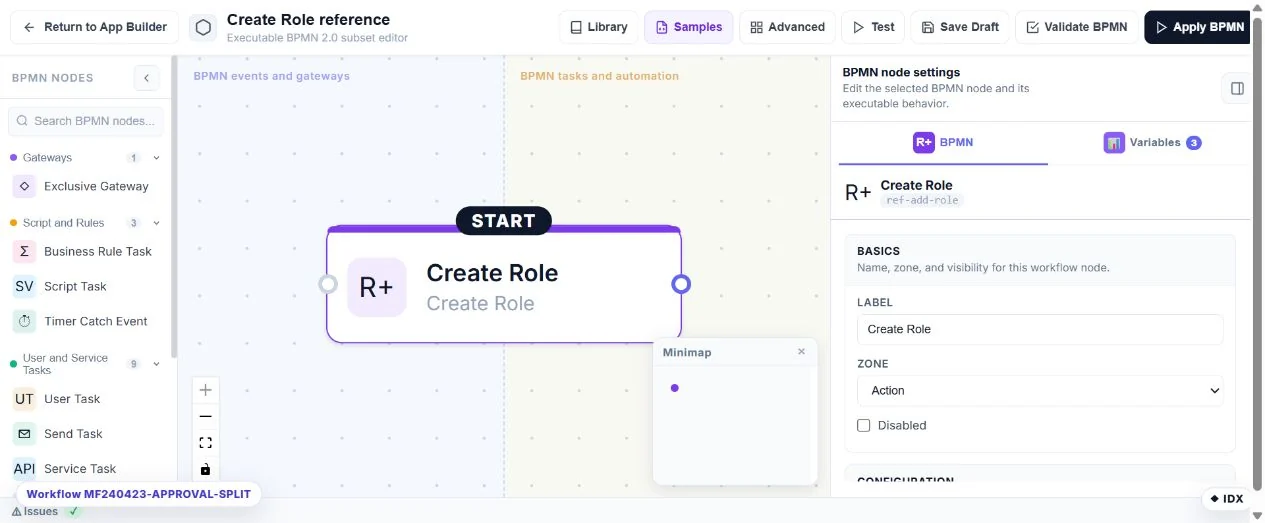
Create Umbraco Member Group
Ensure a native Member Group exists.
Node type: AddRole.
Palette: actions (Create Role).
Configure: Account system: Native, group name and output variable.
Result: A group visible in Umbraco Members → Member Groups.
Check: Native never creates backoffice user groups. Existing nodes without an account system retain MF_WebRoles; select Native explicitly to migrate a workflow.
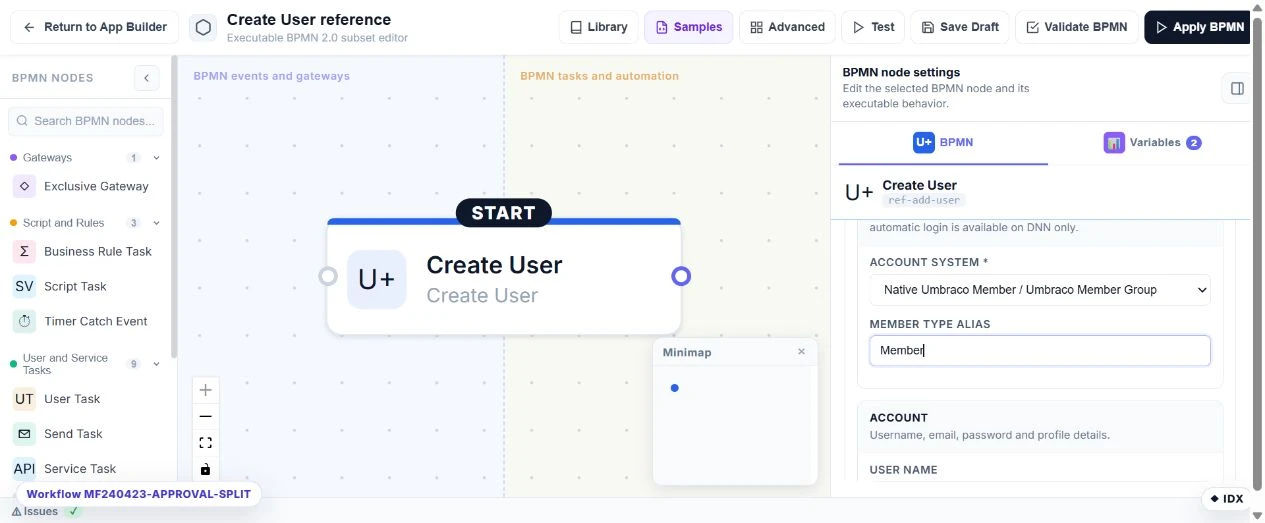
Create Umbraco Member
Create a native public-site Member using Umbraco MemberManager.
Node type: AddUser.
Palette: actions (Create User).
Configure: Account system: Native, existing Member Type alias (default Member), username/email mappings, password policy and result variables.
Result: A native member usable by the website member login flow.
Check: Retries reuse an existing member without resetting its password. Profile updates are opt-in on new nodes. Native does not create backoffice users or auto-login; use Send Email for a welcome message. HostDefault retains MF_WebUsers for old workflows.
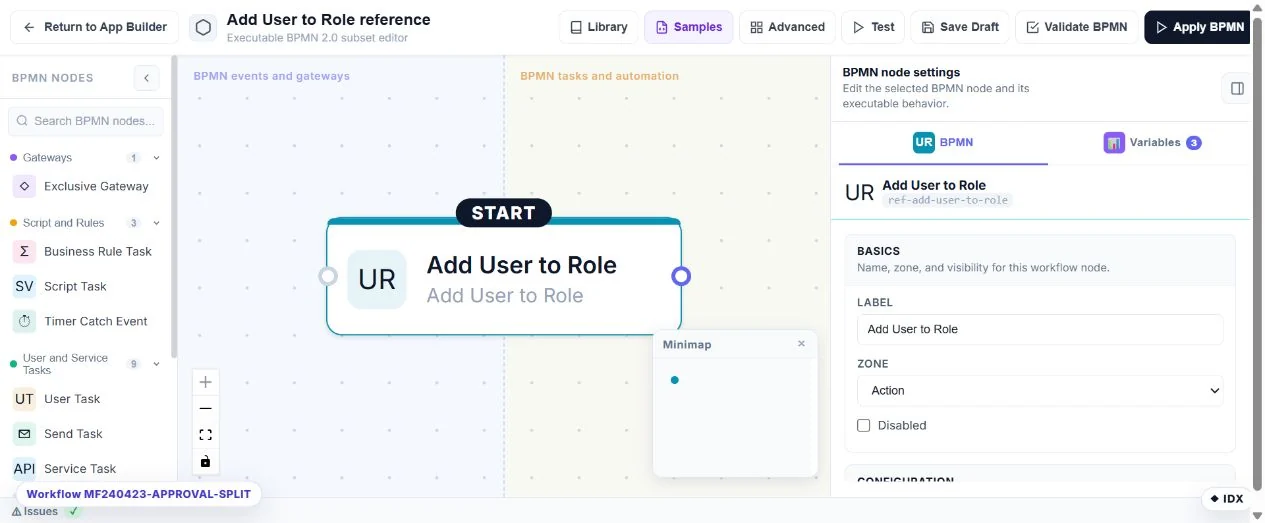
Add Member to Group
Assign an existing or newly created native Member to a Member Group.
Node type: AddUserToRole.
Palette: actions (Add User to Role).
Configure: Account system: Native, member identifier/lookup mode, group name and optional auto-create.
Result: Membership visible in the native Umbraco Members section.
Check: Use the same account system for creation and assignment. Repeated membership is idempotent. HostDefault continues to use the original MegaForm web-account tables.
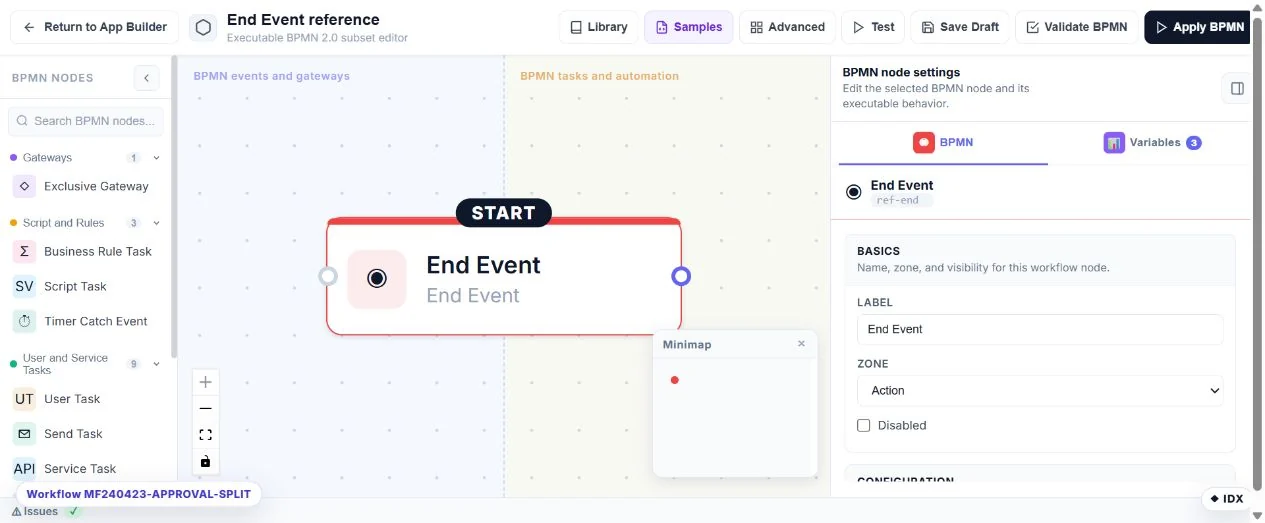
End Event
Finish the selected execution path.
Node type: End.
Palette: actions.
Configure: Success/failure outcome, message and optional redirect.
Result: Terminal workflow state and configured response information.
Check: Connect every intended terminal path and check the actual post-submit result.
Other names in imported diagrams
Switch and Loop are removed from this visual editor. Its import/save normalisation strips those nodes and their connected edges. Do not import and republish an older graph containing them without reviewing and rebuilding its routing with the available nodes. They are not supported authoring choices in this build.
Fork, Join, Filter, Message Start, Timer Start, Manual Start, Slack, Calendar and SubWorkflow are not available executable palette actions in this build. Metadata for an old diagram is not an executor. Do not publish a flow merely because a node can be drawn or has an icon.
The BPMN Script Task is SetVariable. C# has a separate approval and execution path: C# after-submit scripting. From 2.0.68, Native identity actions use Umbraco Members and Member Groups. HostDefault preserves the original MegaForm web-account adapter for old workflows; neither mode creates backoffice users. See native Members and compatibility.
Verify a complete workflow
Start with a small graph, configure every action, connect routes and validate it. Publish only the reviewed graph. Submit fictional QA data, inspect the durable attempt history, verify the actual destination, then test every decision route. Review Copy workflow, Retry workflow and My Inbox.