Input and composite presets
Add Input, select it, then choose its Preset. Some presets also have their own Basic or Layout tile. All 19 presets below share the Composite editor. The first five produce ordinary scalar values; the multipart presets combine their parts under one field key. Do not assume every preset saves a JSON object or separate SQL columns. Inspect an actual submission before mapping parts to an API or database. Legacy Text, Textarea, Email, Number, URL and Phone definitions remain readable.
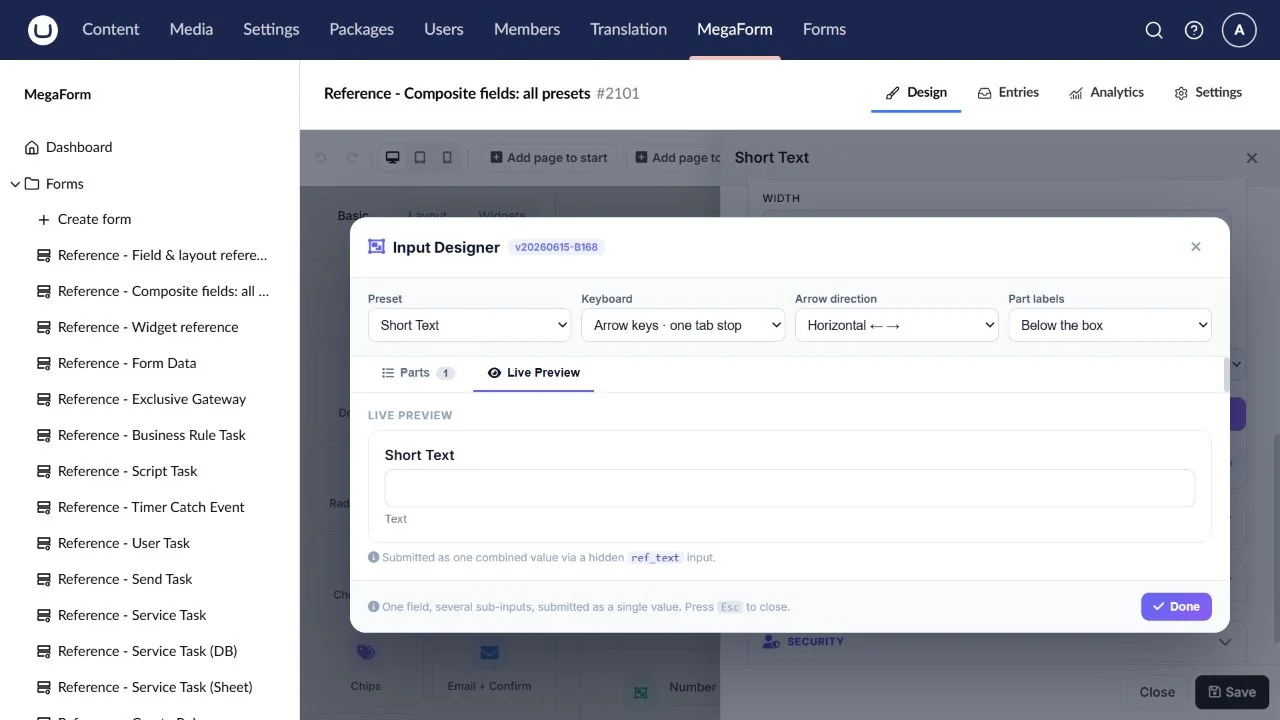
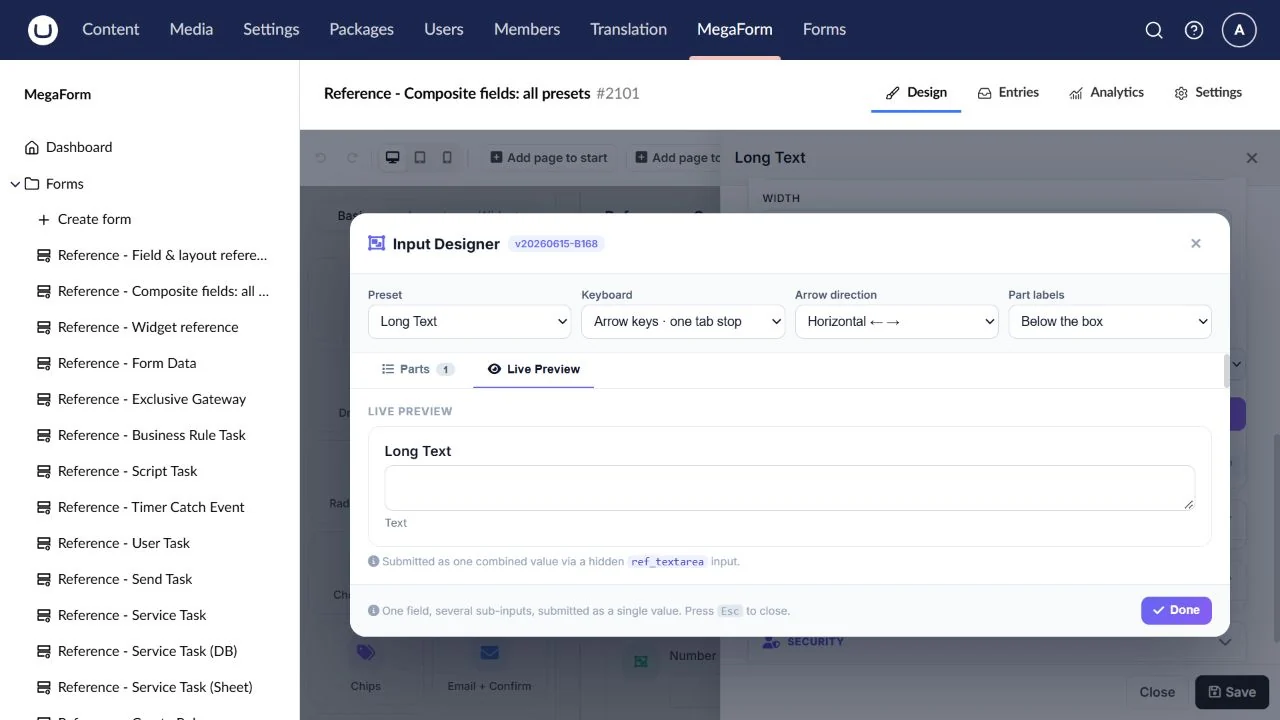
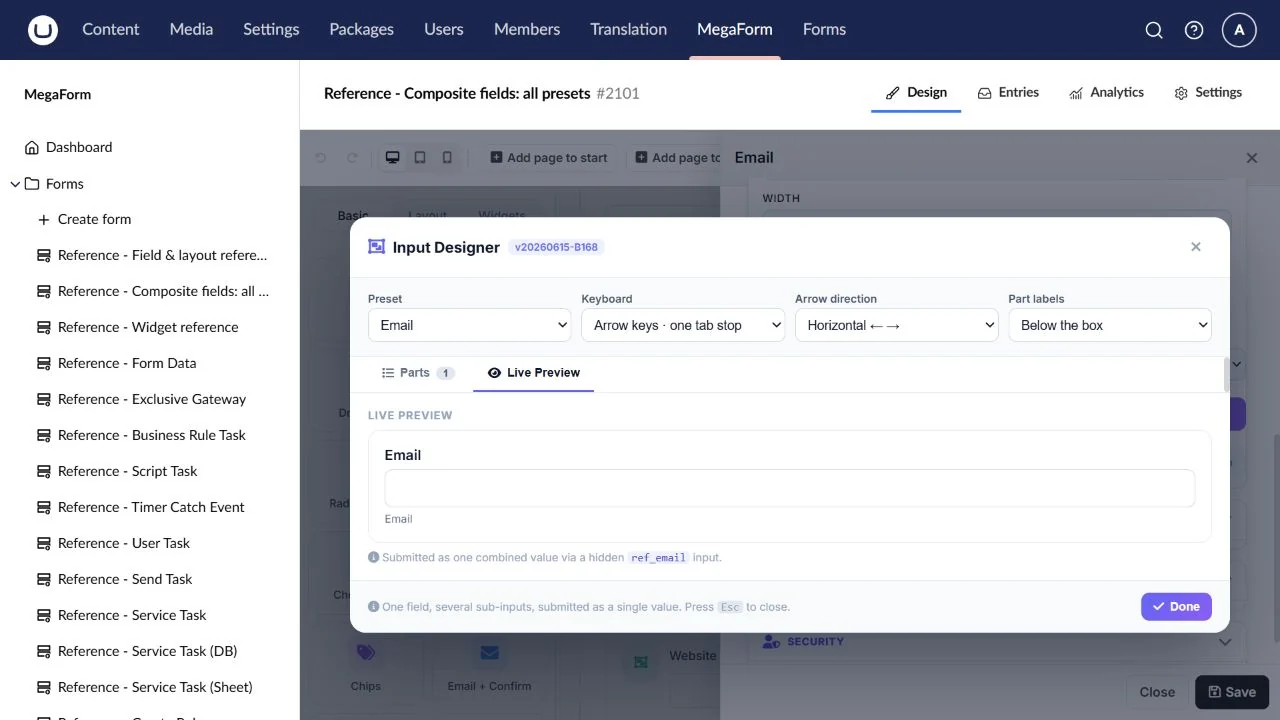
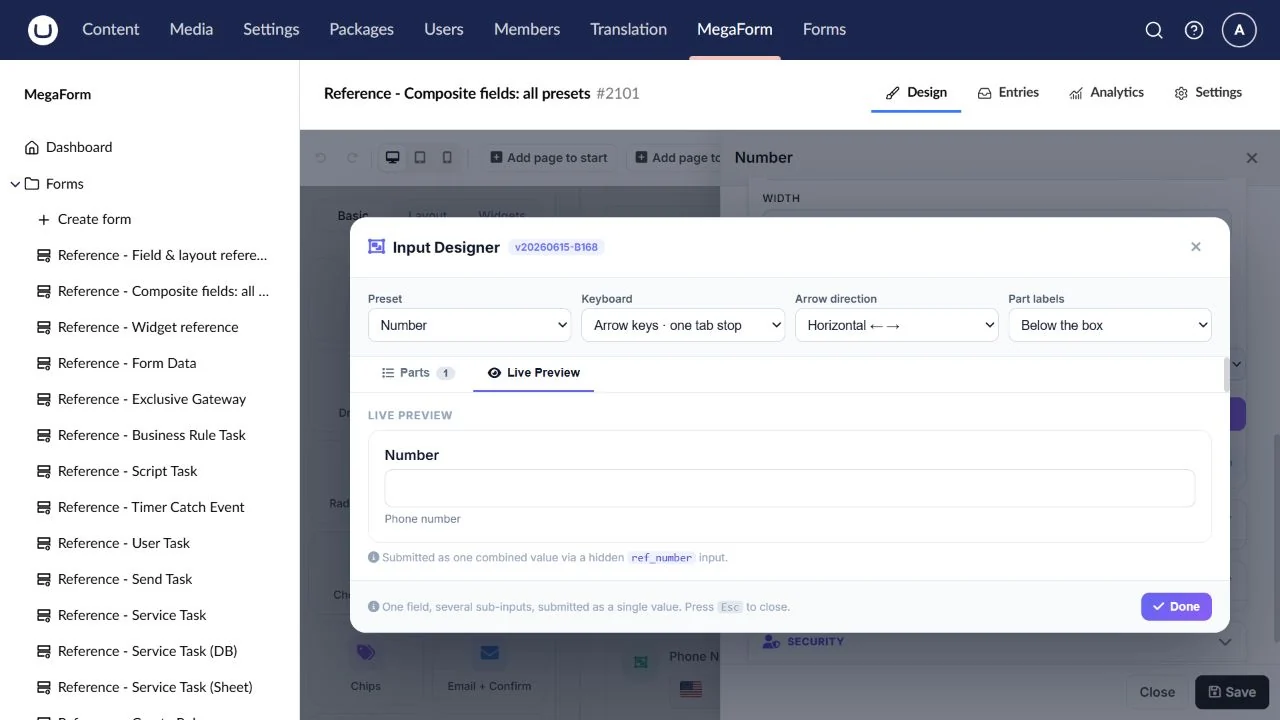
Use the configuration screenshot as a guide. Select it to open the full-size image.
Short Text
Names, references and short free-text answers.
Preset: text.
Configure: Label, placeholder, required state, length limits and an optional input mask.
Result: One plain text value.
Check: Check empty, minimum and maximum length answers.
Long Text
Descriptions, comments and longer answers.
Preset: textarea.
Configure: Rows, help text, required state and maximum length.
Result: One plain text value with line breaks.
Check: Check multiline entry and the saved line breaks.
A single contact email address.
Preset: email.
Configure: Required state, placeholder and an appropriate error message.
Result: One email string.
Check: Check a valid address and malformed input.
Number
Quantities and other numeric inputs.
Preset: number.
Configure: Minimum, maximum, decimal step and default value.
Result: A scalar numeric input; inspect its saved representation before mapping.
Check: Test zero, decimal values and both bounds.
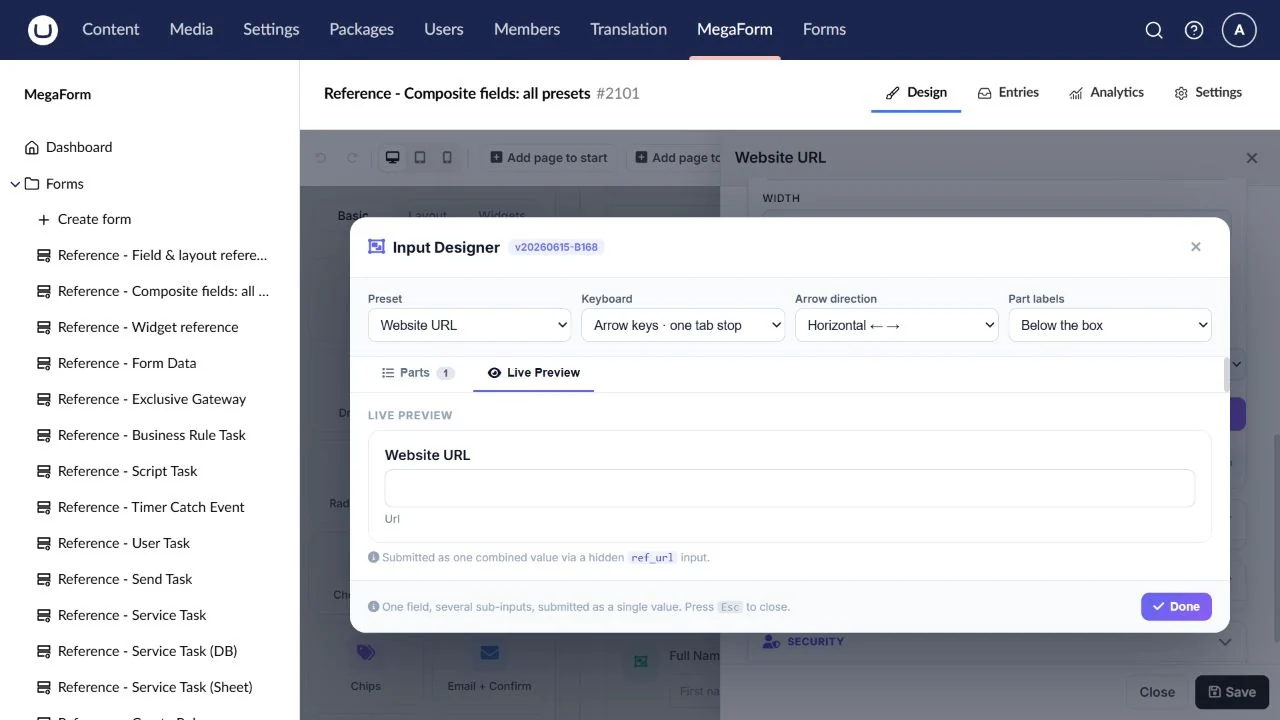
Website URL
A website or resource address.
Preset: url.
Configure: Placeholder, required state and format guidance.
Result: One URL string.
Check: Test a complete URL and an invalid value.
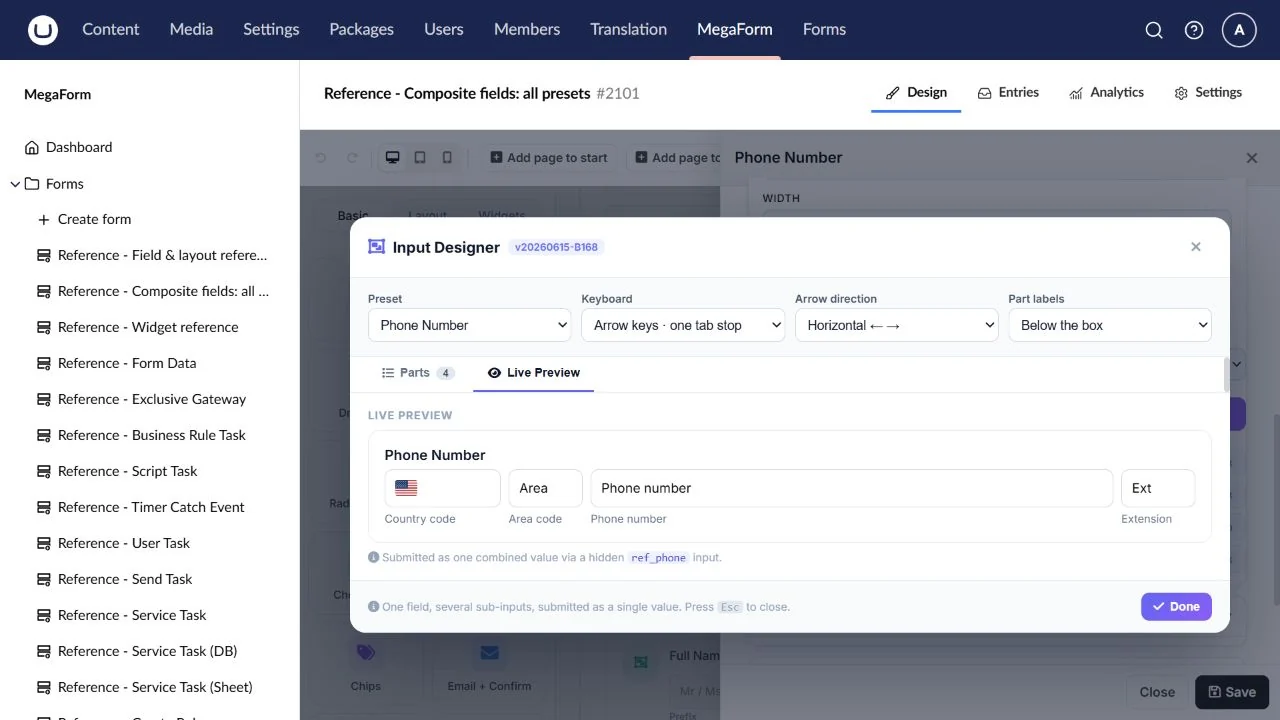
Phone Number
A phone number with separate country and number parts.
Preset: phone.
Configure: Country/number parts, default country and telephone guidance.
Result: A combined telephone value.
Check: Try different country codes; check the saved combined number.
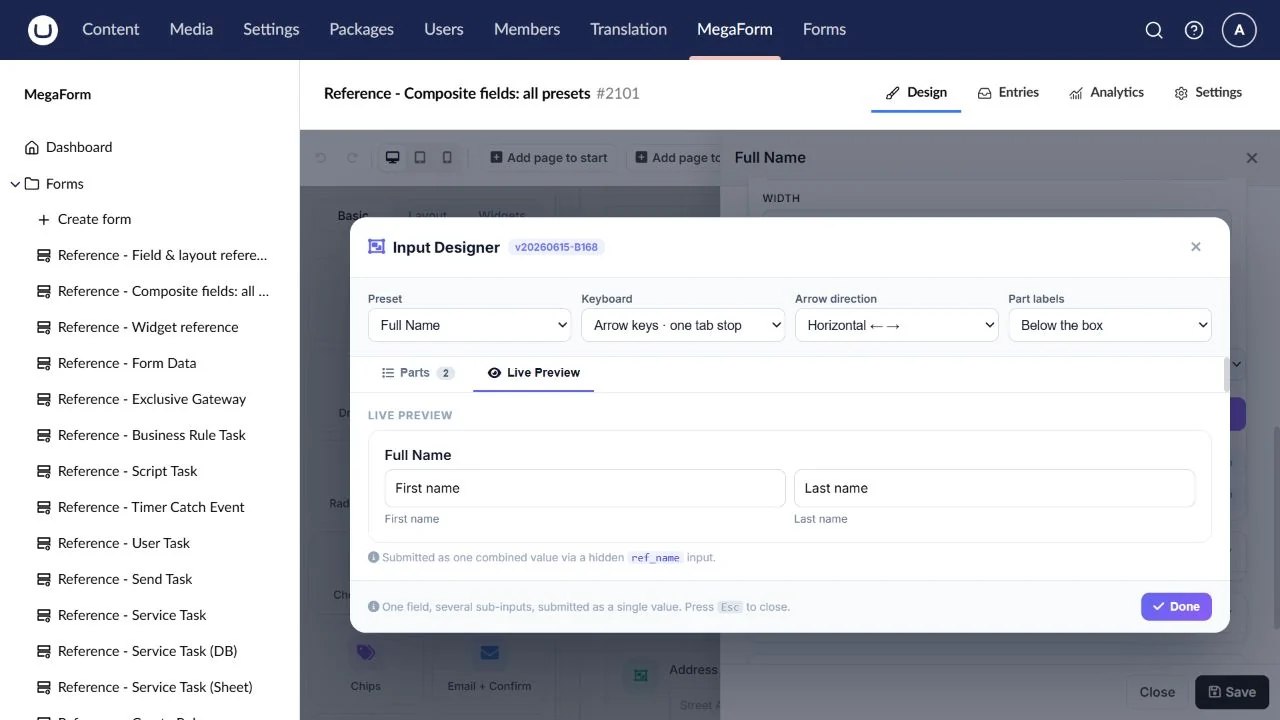
Full Name
A first/last-name group under one field key.
Preset: name.
Configure: Part labels, required parts, widths and name order.
Result: A combined name value.
Check: Try one missing part and a name containing spaces or accents.
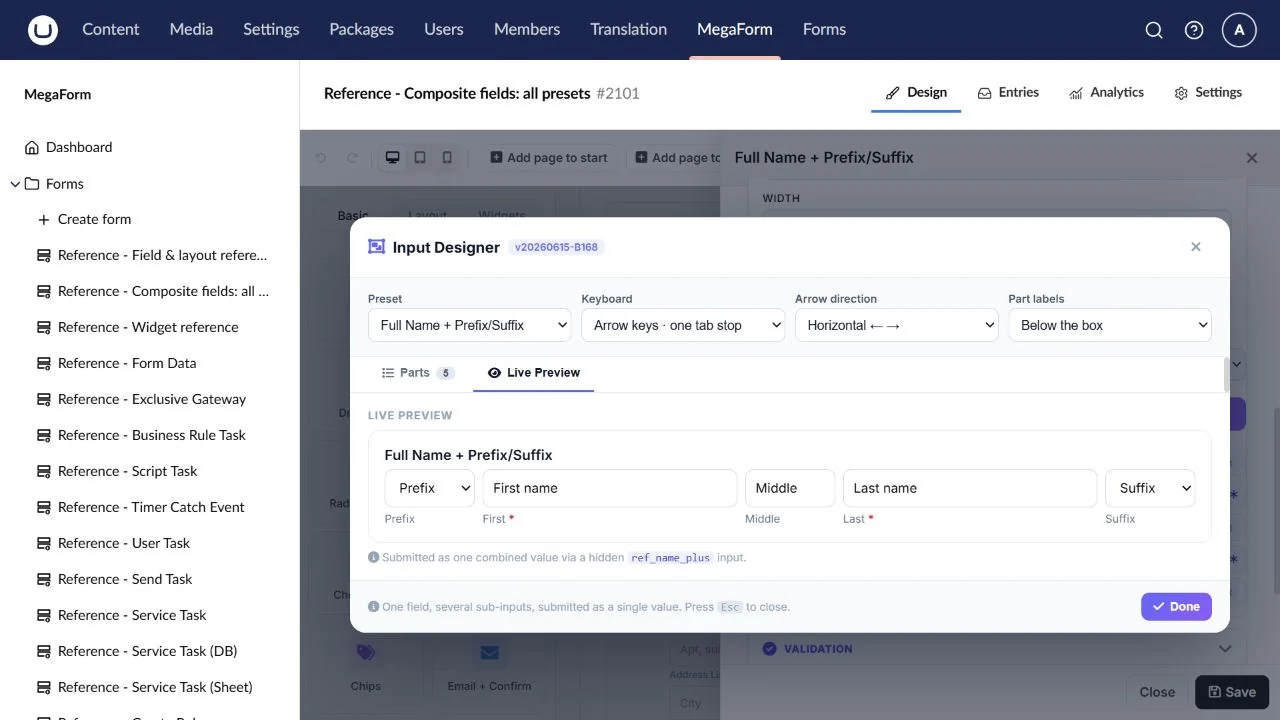
Full Name + Prefix/Suffix
A name including a title, middle name or suffix.
Preset: name_plus.
Configure: Enable the parts you need and review their labels and widths.
Result: A combined name assembled from the configured parts.
Check: Check optional prefix/suffix and narrow screens.
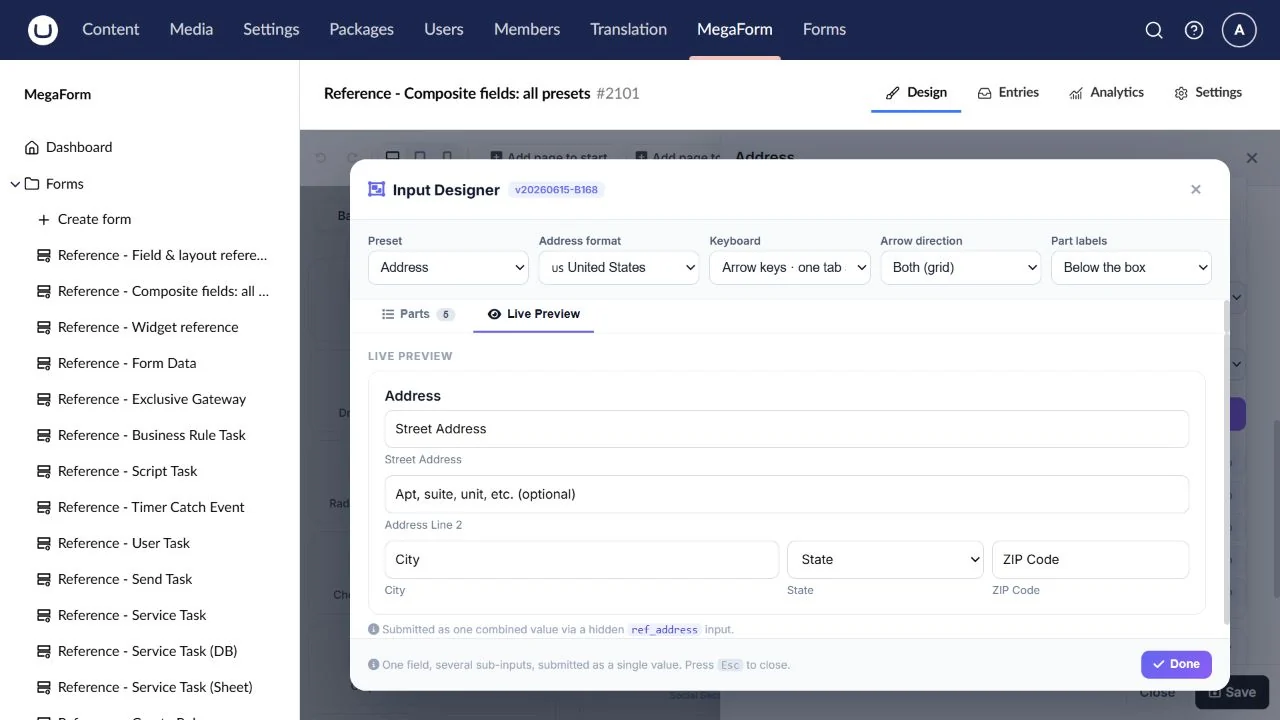
Address
A postal address with related address parts.
Preset: address.
Configure: Address scheme/country, enabled parts, labels and required parts.
Result: A combined address; parts depend on the selected address scheme.
Check: Check your actual country format and saved address before SQL mapping.
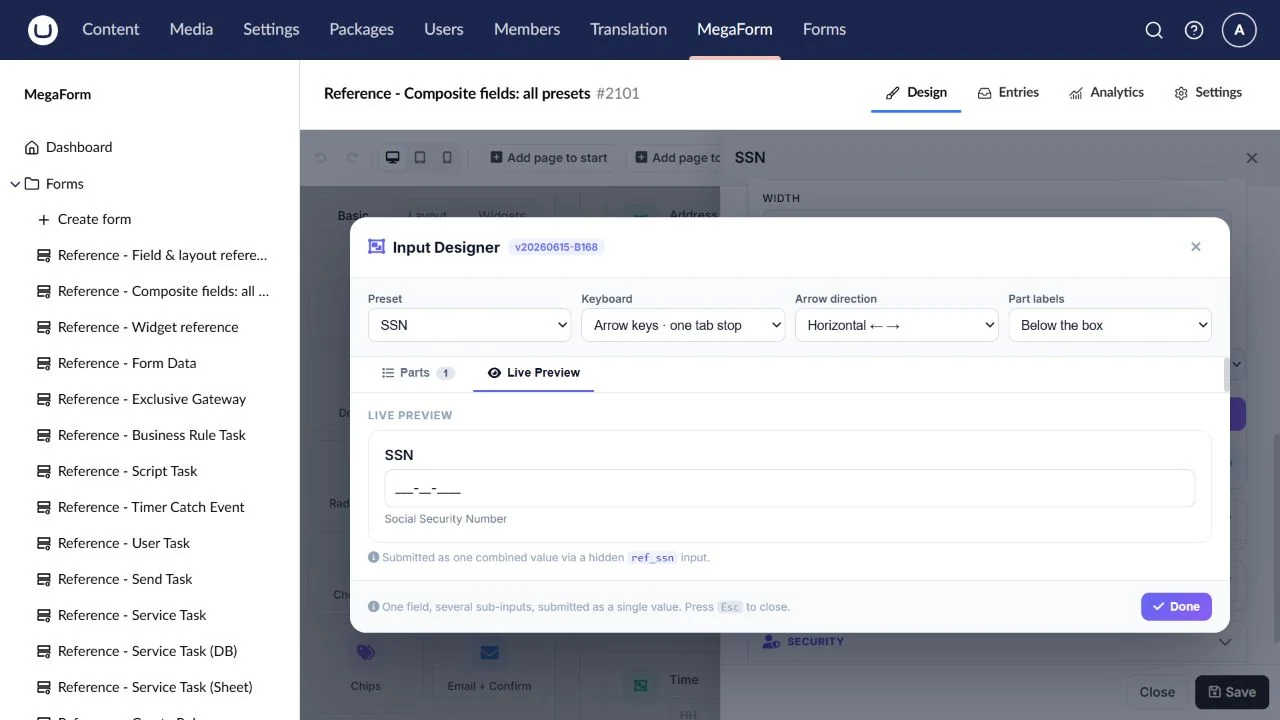
SSN
A segmented identification-number input when the business process requires it.
Preset: ssn.
Configure: Part labels, masks and access to the resulting submission.
Result: A combined identification value; a formatting input does not verify identity.
Check: Use fictional values and check the intended format.
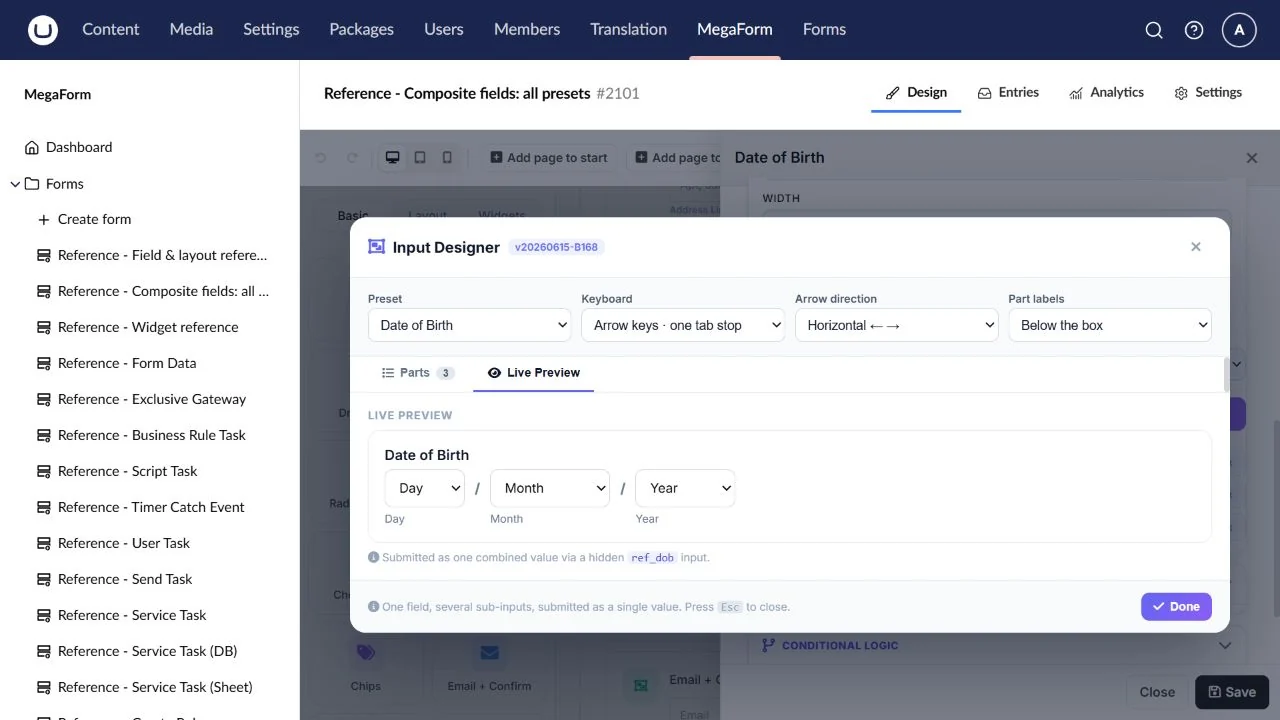
Date of Birth
A birth date entered as coordinated date parts.
Preset: dob.
Configure: Date part labels/order and applicable date constraints.
Result: A combined date value.
Check: Test invalid dates and leap-day handling.
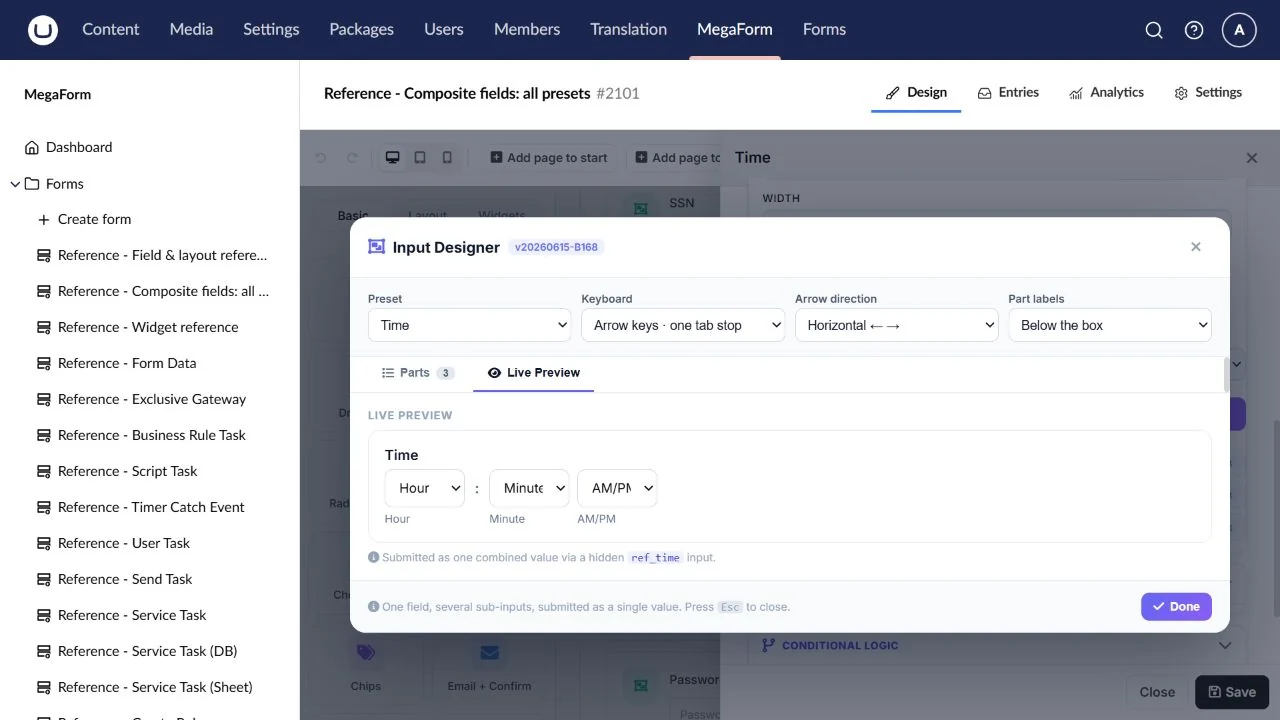
Time
A time entered through coordinated hour/minute parts.
Preset: time.
Configure: Time format, part labels and required parts.
Result: A combined time value.
Check: Check AM/PM or 24-hour expectations in the actual output.
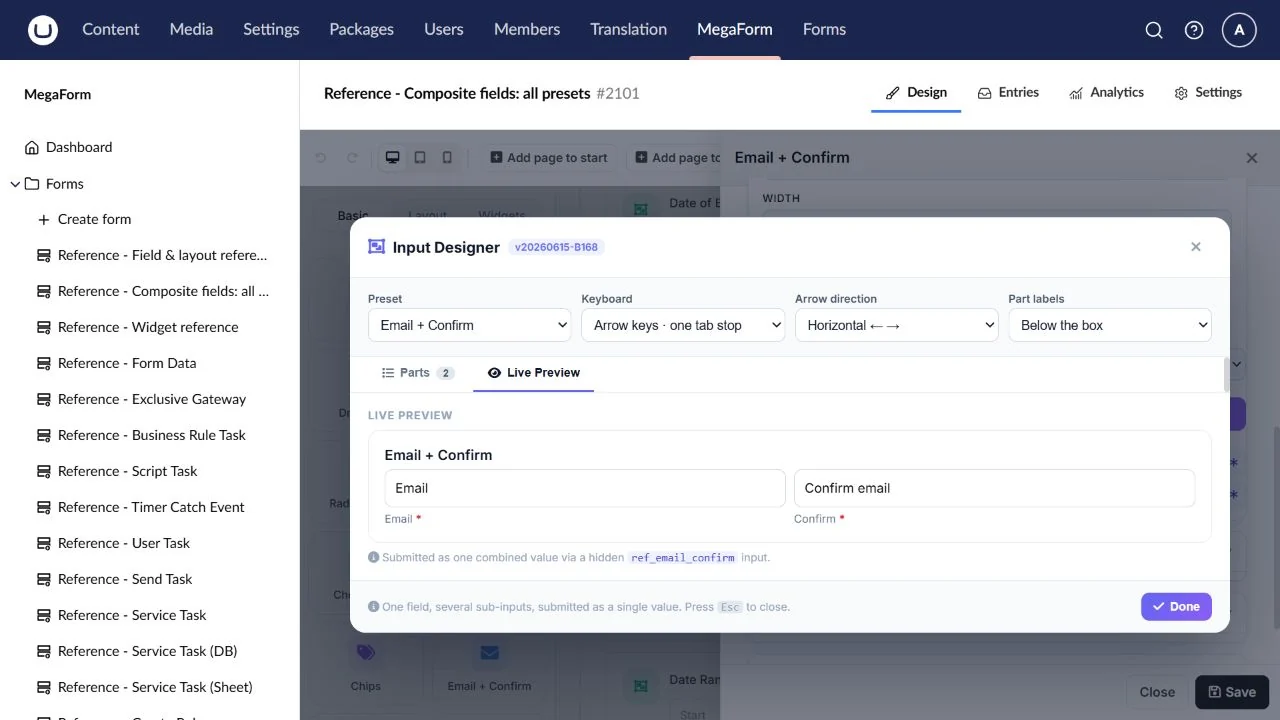
Email + Confirm
Require a visitor to enter the same email twice.
Preset: email_confirm.
Configure: Primary and confirmation labels, required state and mismatch message.
Result: The primary email value; confirmation checks the match.
Check: Enter different addresses, then matching addresses.
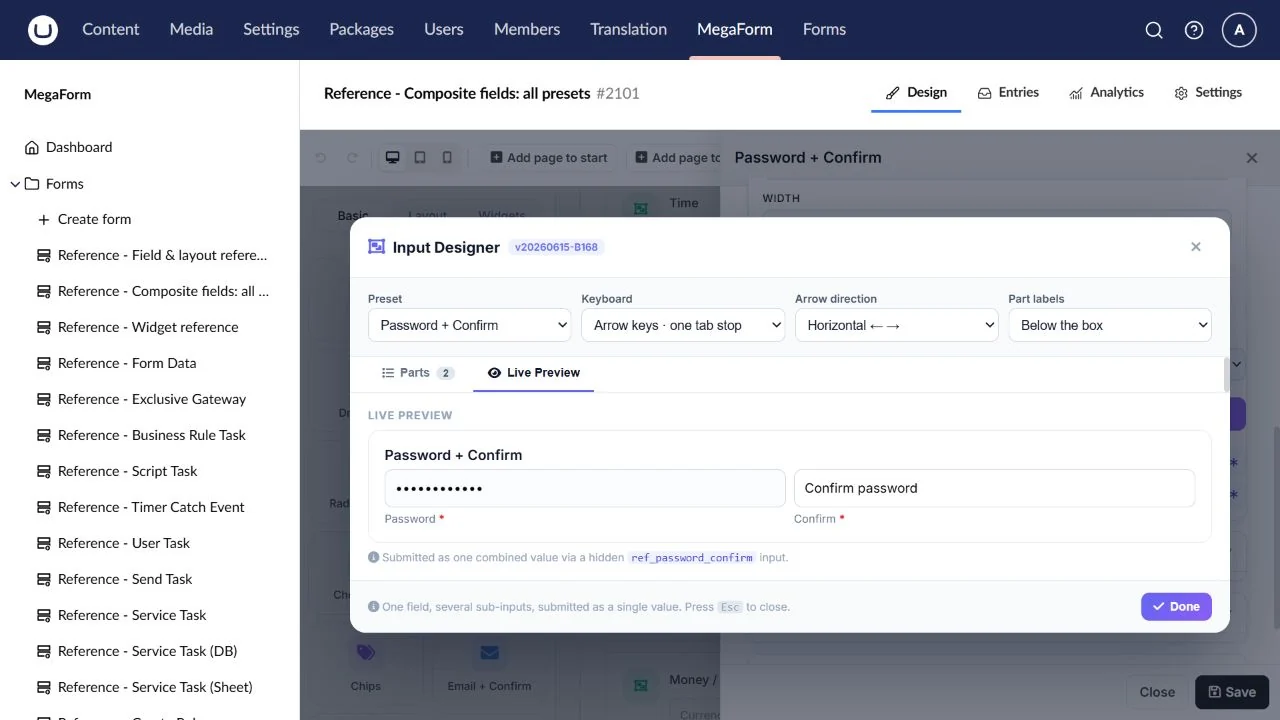
Password + Confirm
A password and matching confirmation for an approved account flow.
Preset: password_confirm.
Configure: Part labels, required state, password policy and downstream handling.
Result: The primary value is available to the form pipeline; masking is presentation.
Check: Check mismatch handling. Do not treat an ordinary saved form answer as a credential vault.
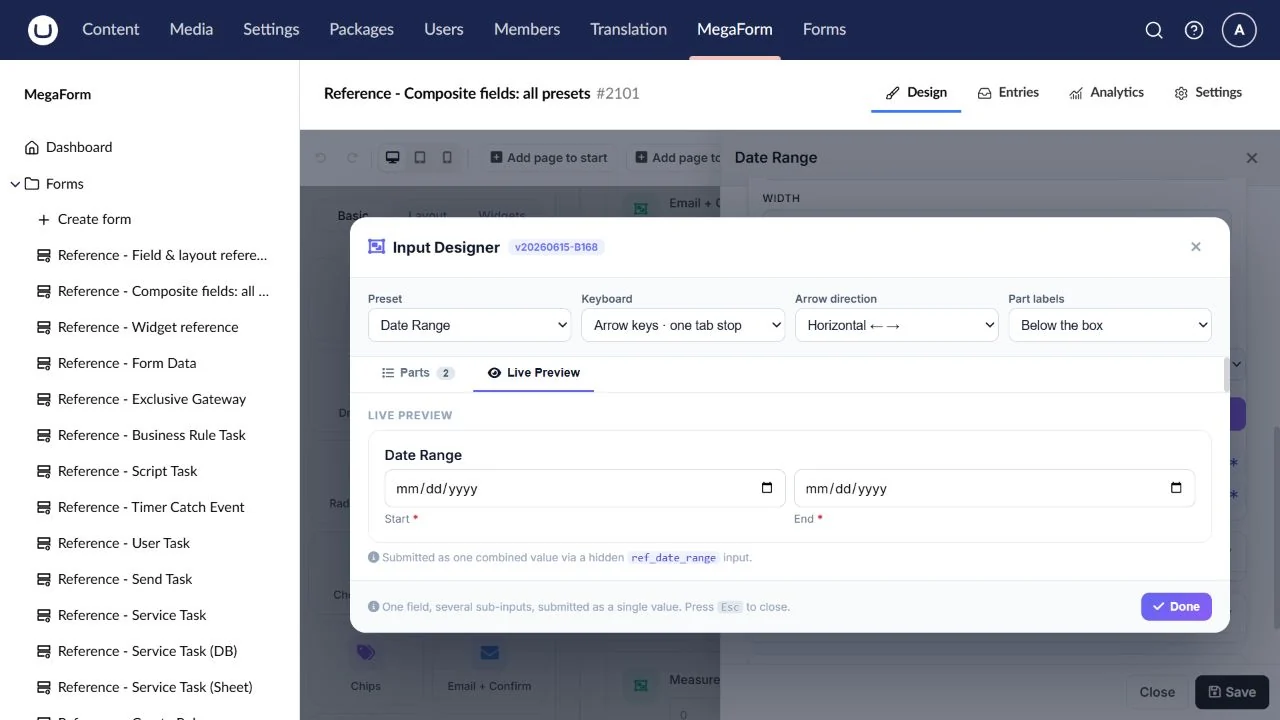
Date Range
A start/end pair for a booking or requested period.
Preset: date_range.
Configure: Part labels, defaults and separate chronological rules when required.
Result: Combined start and end values separated by an arrow.
Check: Test equal dates and an end before the start; add a rule for the required order.
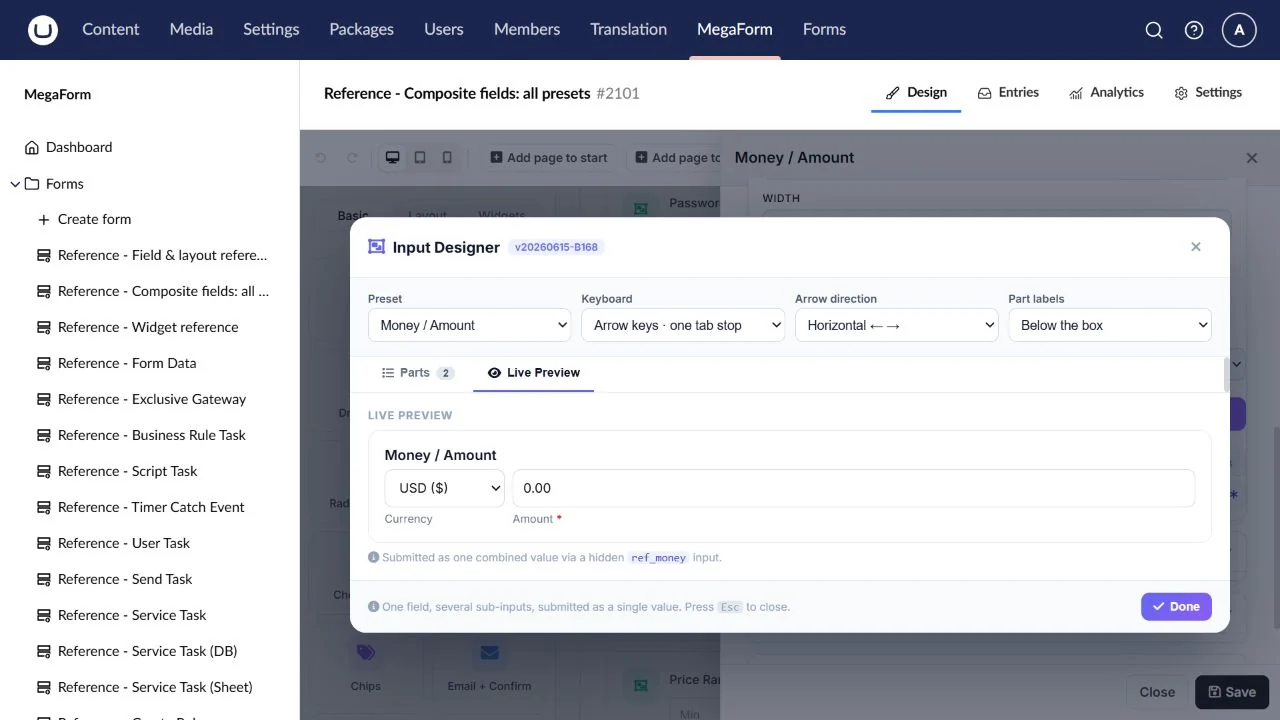
Money / Amount
An amount accompanied by an explicit currency.
Preset: money.
Configure: Currency choices/default, amount label and numeric constraints.
Result: A combined value such as USD 100; this is not a payment transaction.
Check: Test zero, decimals and a currency change.
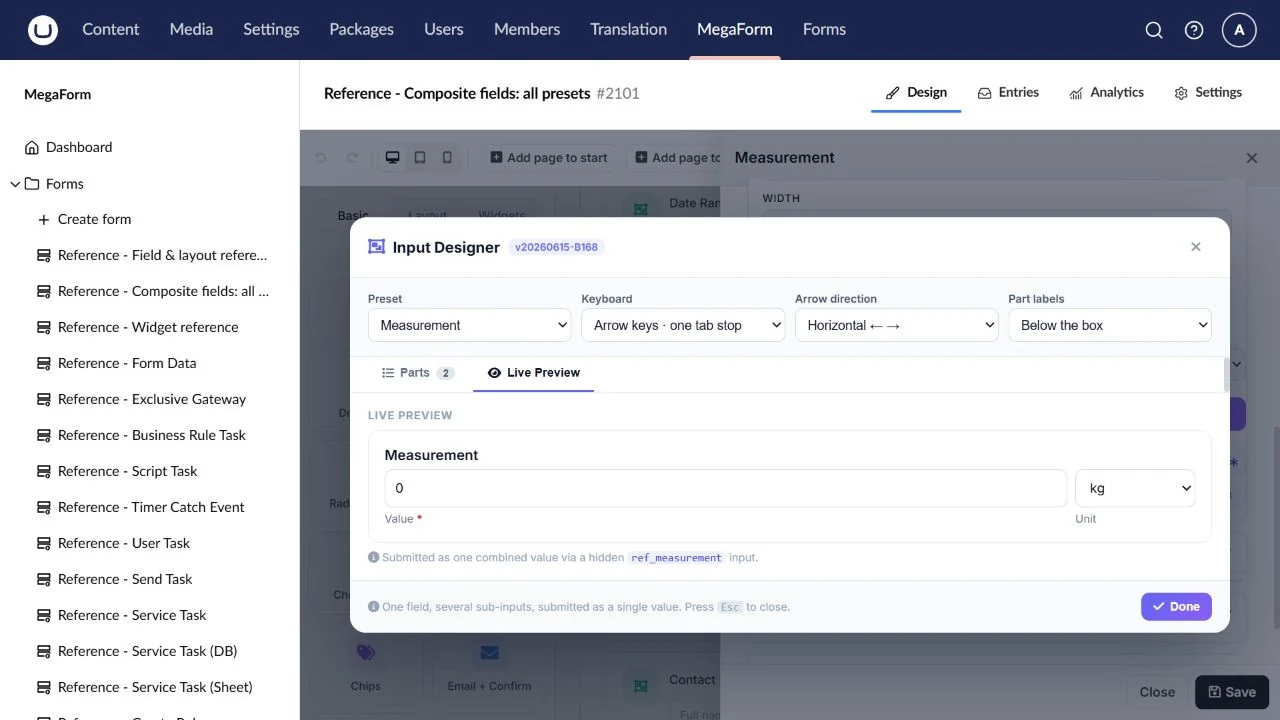
Measurement
A quantity and a unit such as kg, cm or litres.
Preset: measurement.
Configure: Unit choices/default and numeric constraints.
Result: A combined quantity and unit such as 5 kg.
Check: Check different units; unit selection does not imply automatic conversion.
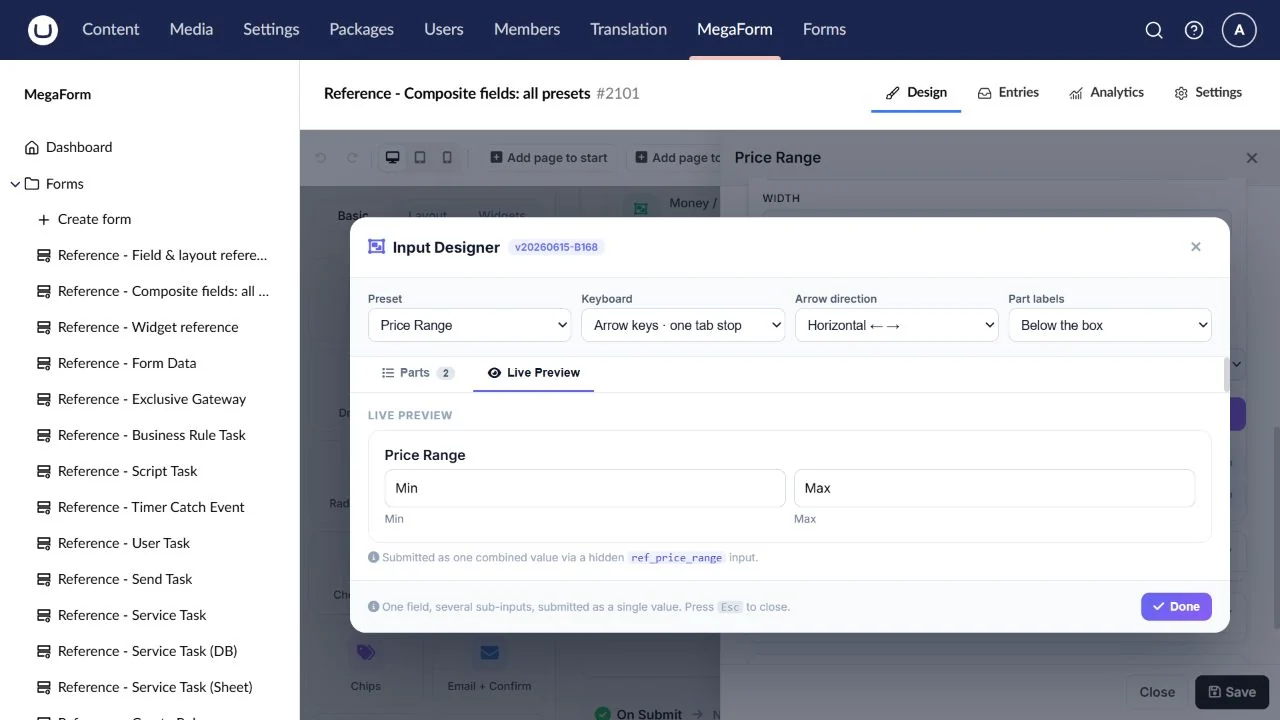
Price Range
A minimum/maximum budget.
Preset: price_range.
Configure: Minimum/maximum labels and rules for the permitted range.
Result: A combined range value.
Check: Test zero and a maximum below the minimum; add the appropriate rule.
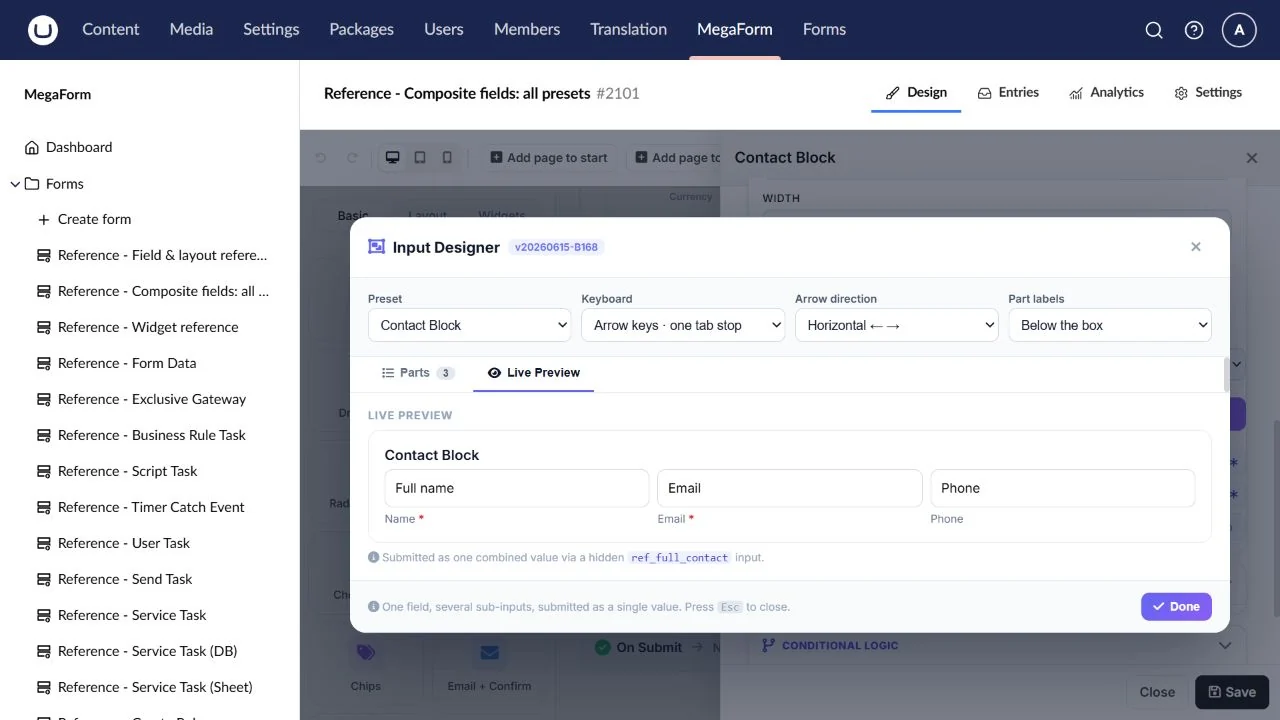
Contact Block
A compact name, email and phone group.
Preset: full_contact.
Configure: Part labels, required parts and arrangement.
Result: A combined contact value separated by centred dots.
Check: Check optional phone and review the saved value before mapping individual properties.
Customise the parts
Use the Composite designer to review the active preset parts, their keys, labels, widths, types, required state and matching rules. Keep durable parent/part keys stable. Changing a preset can change the combined value; review calculations, rules and workflow/SQL mappings afterwards. Date-range order, price-range order and measurement conversion need explicit business rules when required.