A visual canvas, with AI
Draft forms with AI, arrange fields and create multi-step journeys without leaving your CMS.
MEGAFORM FOR UMBRACO
Create thoughtful experiences, connect your data and automate what happens next. MegaForm brings visual form building into the Umbraco backoffice you already know.
✓ Native Umbraco pages✓ Your design, your data
MORE THAN A SUBMIT BUTTON
Keep form creation close to your content. Start with a template, shape the experience and connect what happens behind the scenes.
Draft forms with AI, arrange fields and create multi-step journeys without leaving your CMS.
Show the right questions with conditional logic, validation, calculations and quiz scoring.
Reuse prevalue sources for choices and bind submissions to SQL tables for your business processes.
Let people fill a designed PDF in the browser and save the completed document with their submission.
Connect notifications, approvals and webhooks, or add approved C# scripts for custom server-side logic.
Manage entries in the backoffice, organize table columns, review submissions and export your data.
START WITH SOMETHING BEAUTIFUL
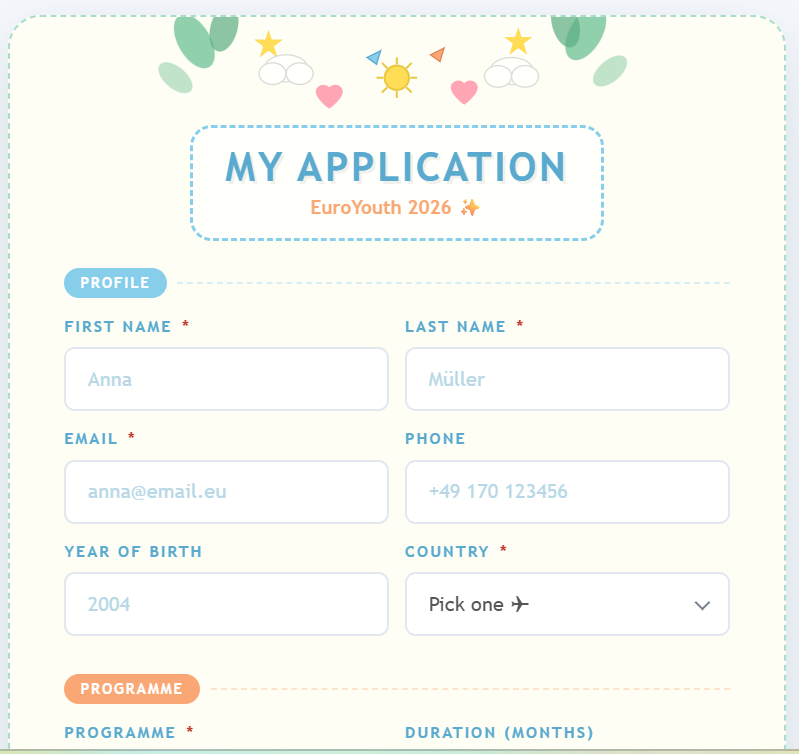
Registration, enquiries, applications and more. Working forms on native Umbraco pages, with their original designs.
Browse the collection ↗SEE WHAT HAPPENS NEXT
Load reusable SQL choices and write a registration to a dedicated table.
Try the SQL example → DOCUMENT WORKFLOWSFill a PDF, export it and attach the completed file to a submission.
Try the PDF example → SERVER AUTOMATIONCalculate a result and create a reference after the entry is saved.
Try the scripting example →A CLEAR PATH FROM IDEA TO LIVE FORM
Follow the guides, inspect the examples, then open the backoffice to create your own.
TRY A SIMPLE FORM
This contact form is connected to the homepage through Umbraco's MegaForm picker.