Specialised widgets and integrations
Select Widgets in the palette, add the widget and open its settings. Some controls also appear in Basic. The images show configuration, not proof that an external service has been connected. Payment, map tiles, CAPTCHA, video, SQL, Razor and cloud services need their corresponding runtime configuration. Three registered extensions at the end are not default palette tiles in this inspected build.
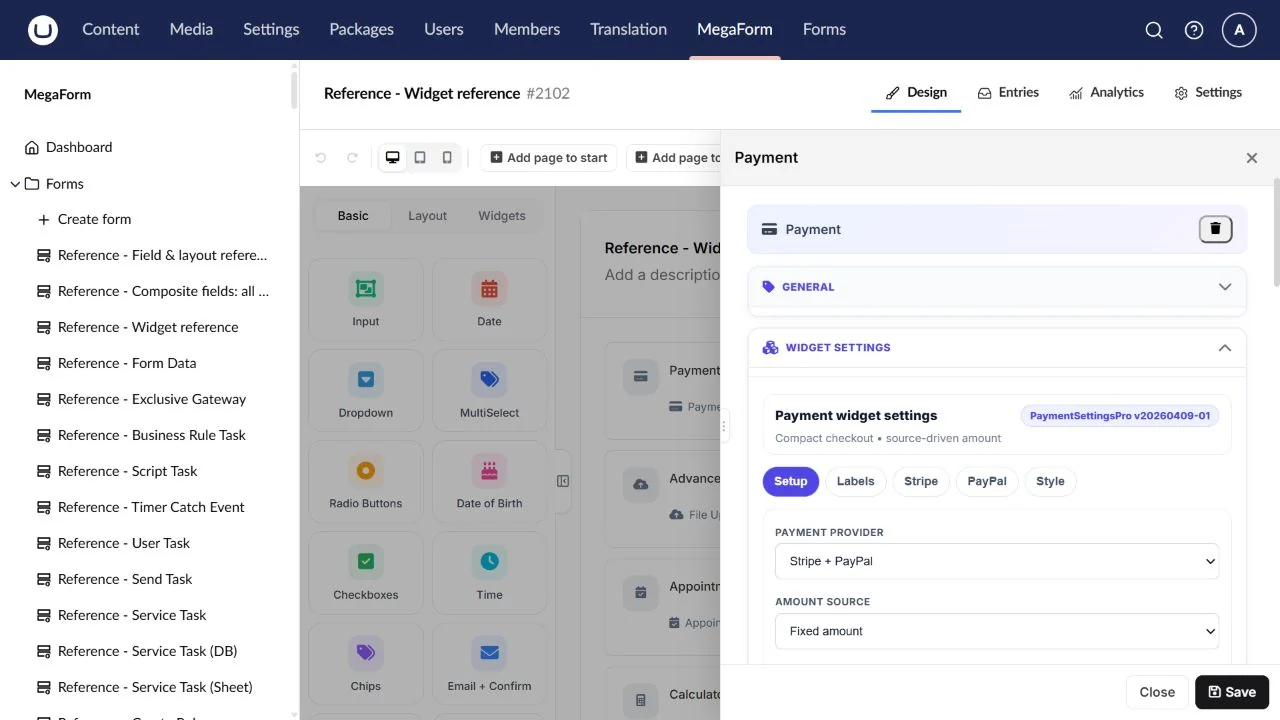
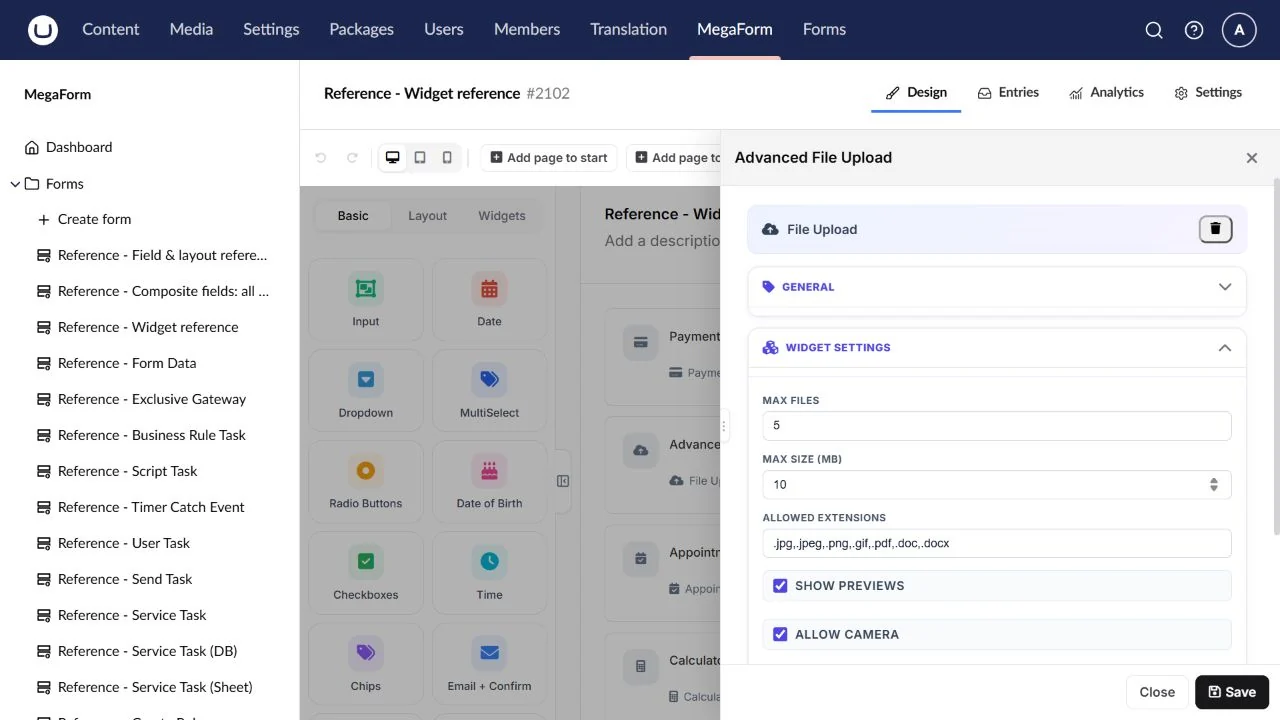
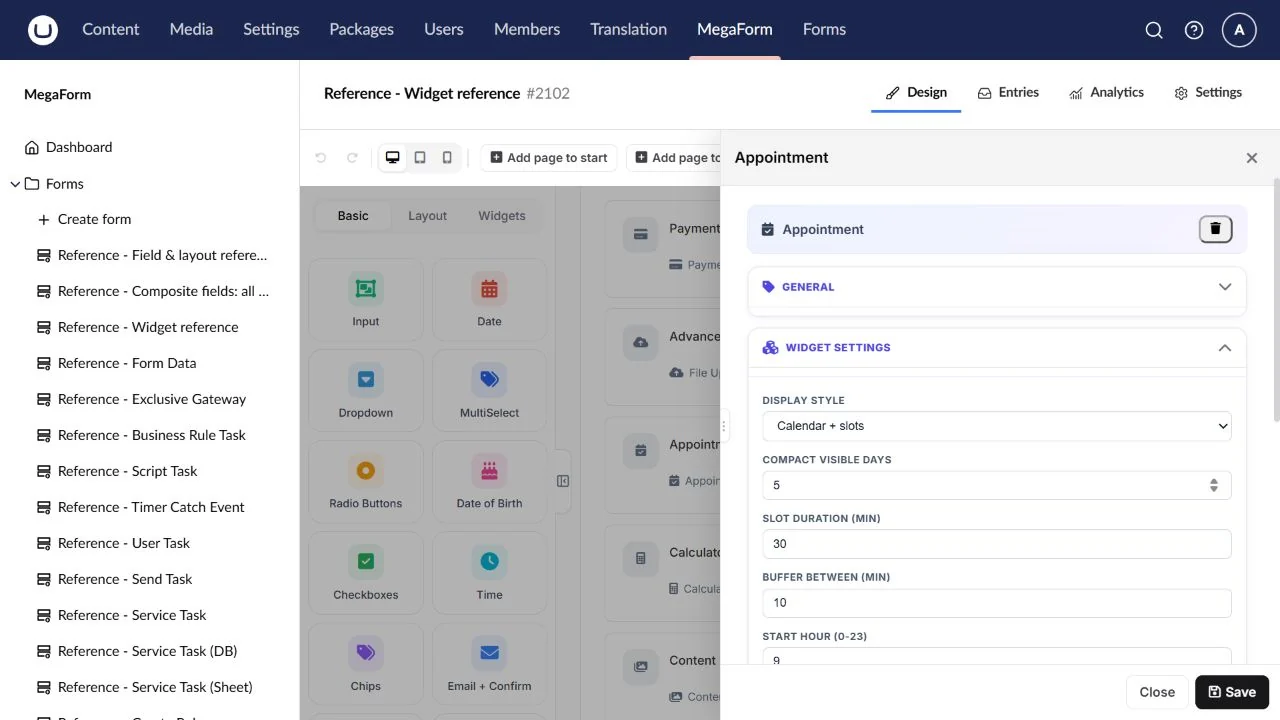
Use the configuration screenshot as a guide. Select it to open the full-size image.
Payment
Collect a payment through the configured provider.
Field type: Payment.
Available in the inspected builder palette.
Configure: Provider, server-controlled amount/currency, credentials and test mode.
Result: Verified payment result/reference according to the provider flow.
Check: Run a sandbox payment and server verification before production.
Advanced File Upload
A richer upload experience.
Field type: AdvancedFile.
Available in the inspected builder palette.
Configure: Accepted types, file limits, storage and presentation.
Result: Managed file references/metadata.
Check: Test multiple files, validation and authorised downloads.
Appointment
Choose an appointment date and slot.
Field type: Appointment.
Available in the inspected builder palette.
Configure: Available dates/slots, duration and applicable time-zone settings.
Result: The selected appointment information.
Check: Check slot boundaries and confirm what system owns actual availability.
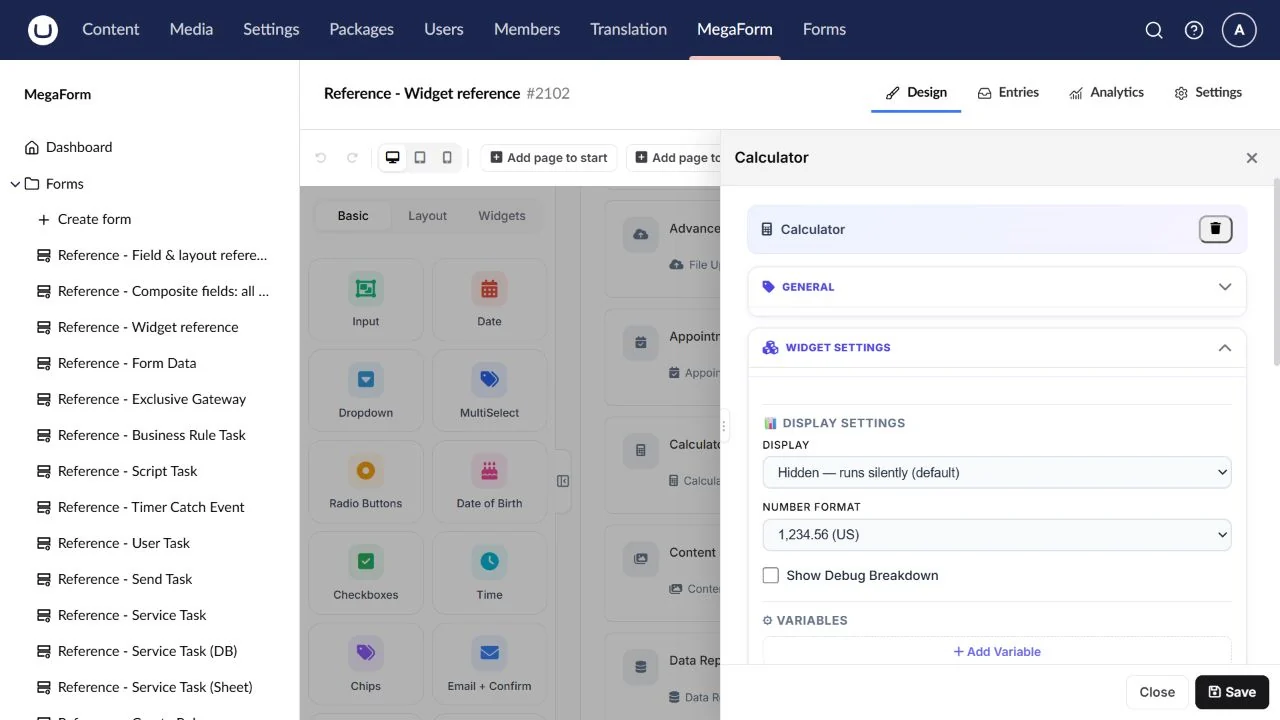
Calculator
Compute a visible result from other answers.
Field type: Calculator.
Available in the inspected builder palette.
Configure: Input keys, expression, precision and output display.
Result: A calculated field result.
Check: Test zero, decimals, missing dependencies and server validation; this differs from a workflow Calculate node.
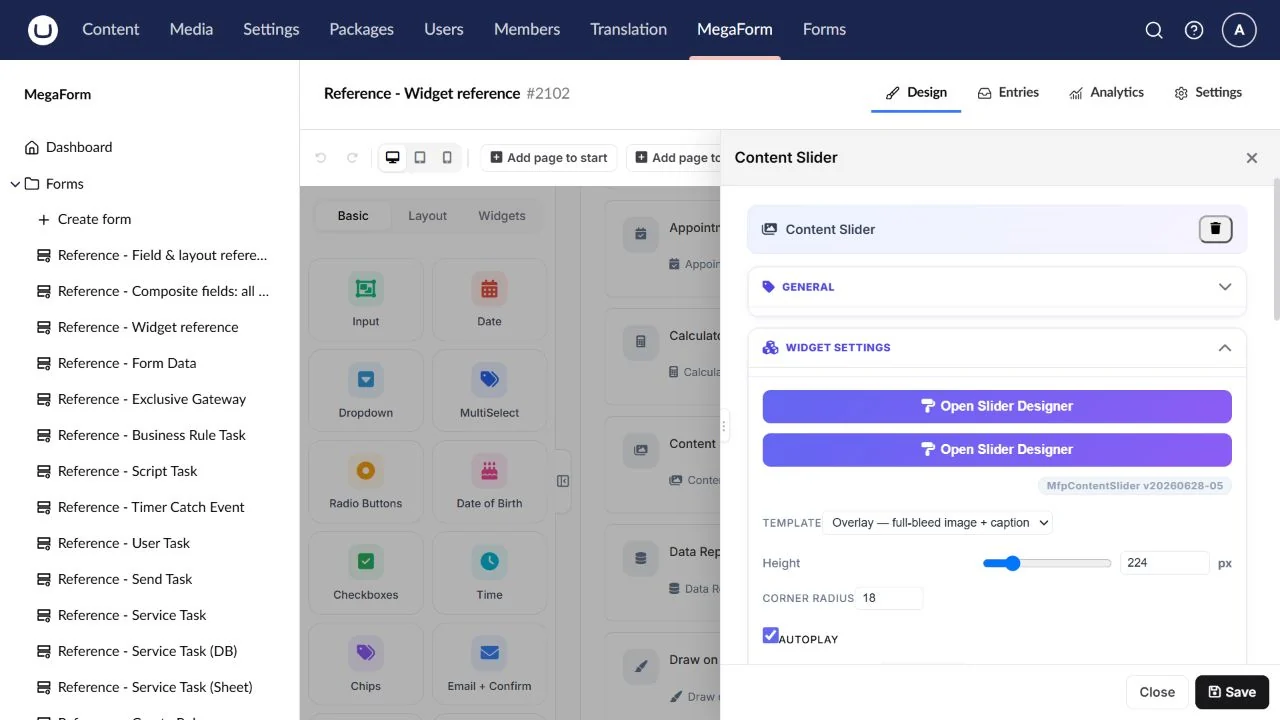
Content Slider
Present a carousel of images and captions.
Field type: ContentSlider.
Available in the inspected builder palette.
Configure: Slides, local image URLs, arrows, indicators and autoplay.
Result: Presentation; normally no answer value.
Check: Click arrows/dots and check every image after import.
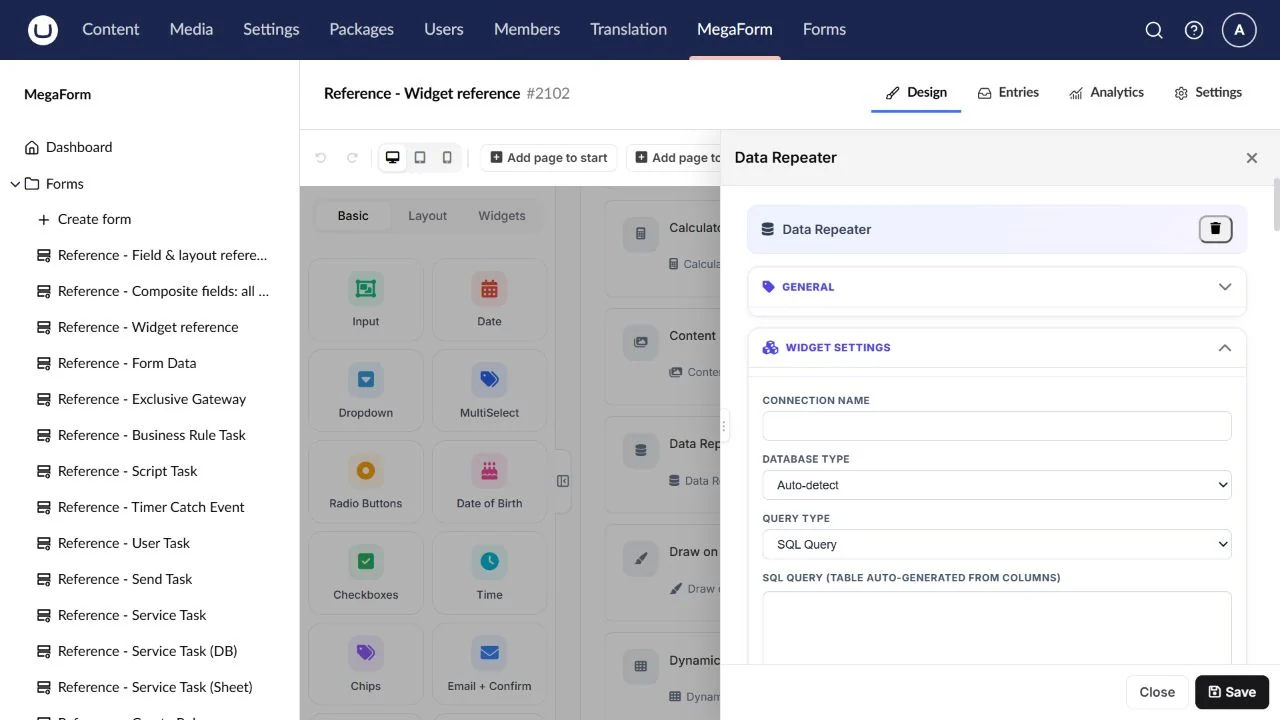
Data Repeater
Collect a variable number of repeated items.
Field type: DataRepeater.
Available in the inspected builder palette.
Configure: Row template/subfields, row limits and initial rows.
Result: Structured repeated items.
Check: Add/remove rows and inspect the submitted collection.
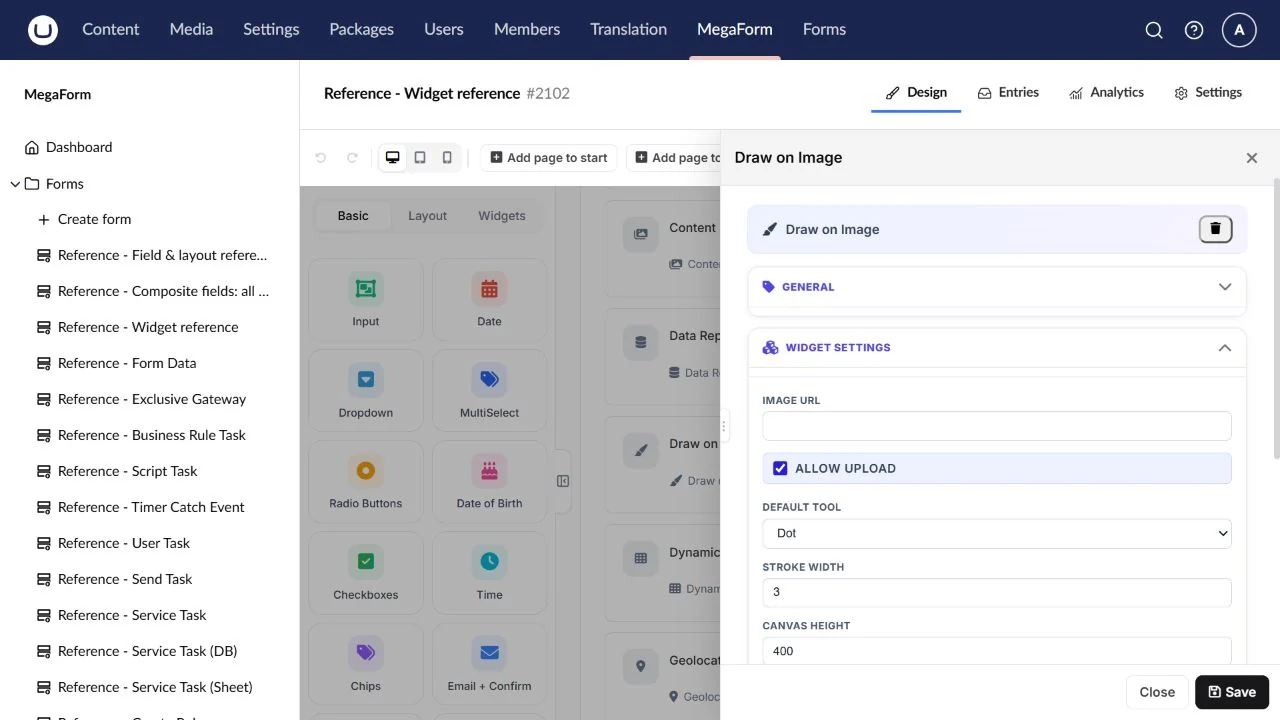
Draw on Image
Annotate a source image, for example a body chart.
Field type: DrawOnImage.
Available in the inspected builder palette.
Configure: Source image, drawing tools and output handling.
Result: A captured annotation/image result.
Check: Check image loading, clear/reset and the saved output.
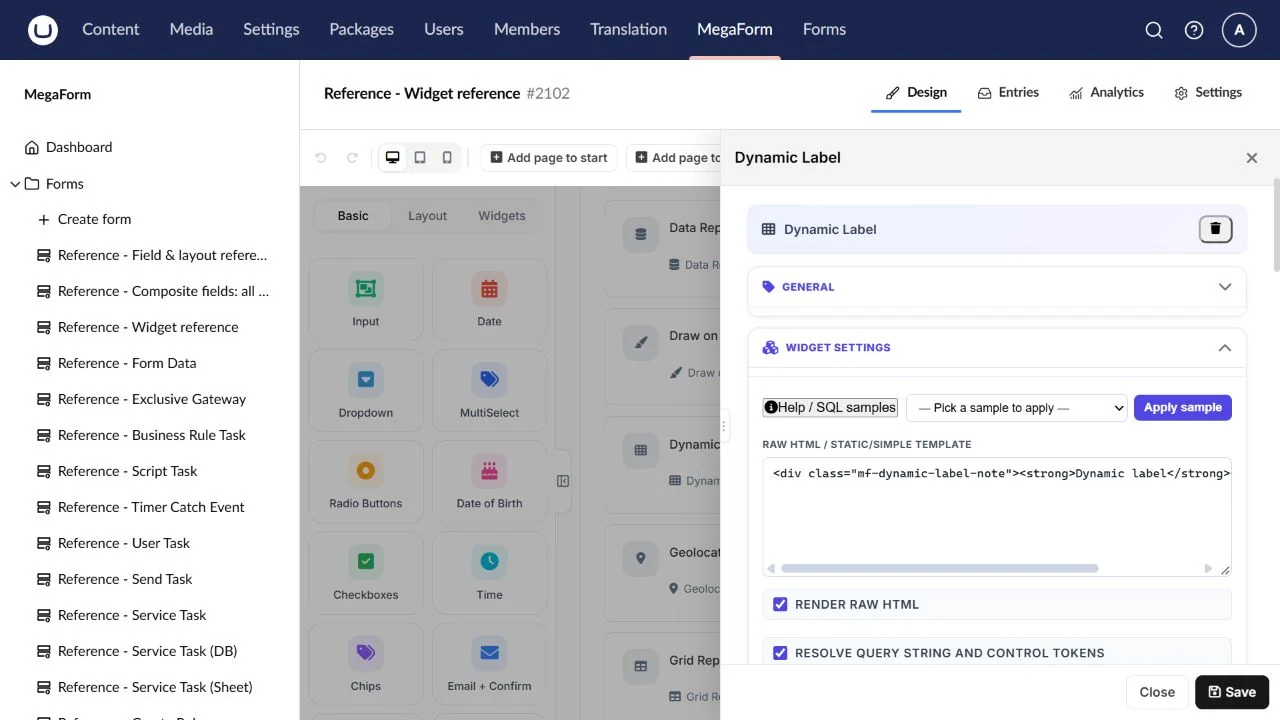
Dynamic Label
Display text that reacts to form values.
Field type: DynamicLabel.
Available in the inspected builder palette.
Configure: Template/text and referenced field keys.
Result: A display result; inspect configuration before relying on a stored answer.
Check: Change each referenced answer and check empty-value behaviour.
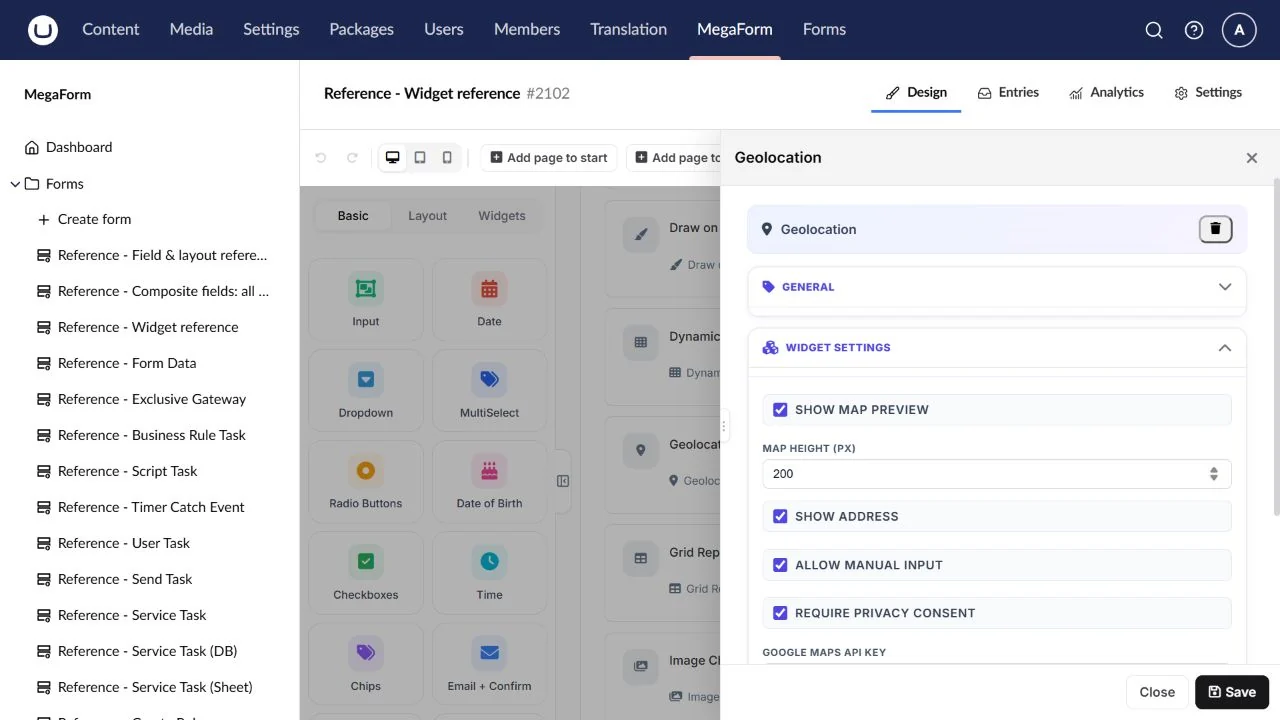
Geolocation
Request a visitor location with browser permission.
Field type: Geolocation.
Available in the inspected builder palette.
Configure: Accuracy/display options and any map presentation.
Result: Location coordinates when the browser grants access.
Check: Test permission granted and denied; deployment requires a secure browser context.
Grid Repeater
Collect repeated rows in a compact table.
Field type: GridRepeater.
Available in the inspected builder palette.
Configure: Columns/subfield types, row limits and initial data.
Result: Structured row data.
Check: Test row addition/removal, required cells and saved JSON.
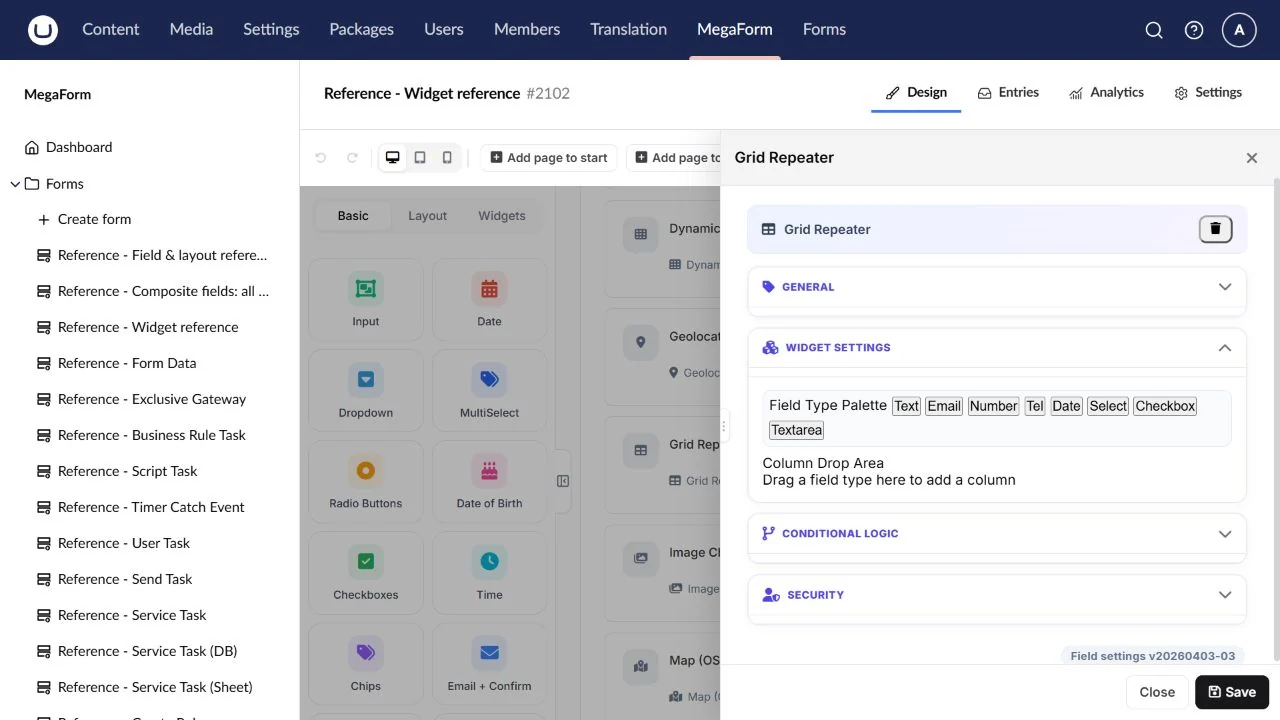
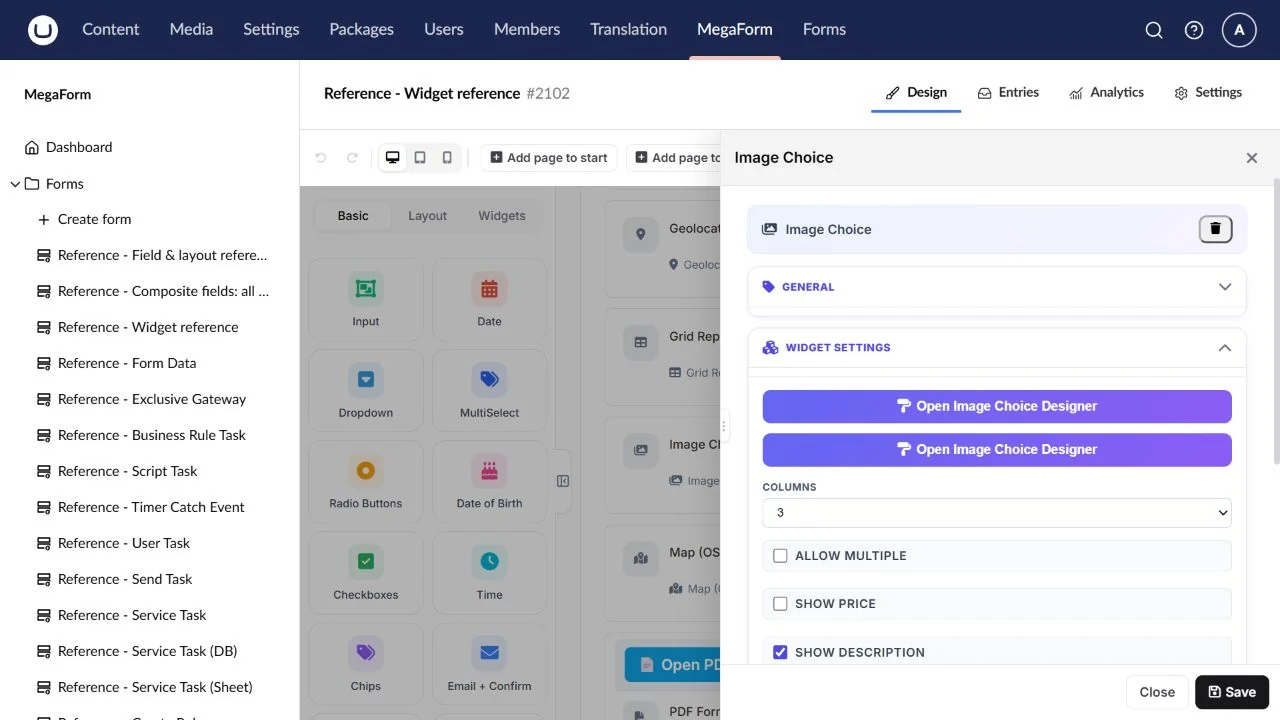
Image Choice
Let a visitor choose from labelled images.
Field type: ImageChoice.
Available in the inspected builder palette.
Configure: Image URLs, labels, stable values and selection mode.
Result: Selected image-option value(s).
Check: Check missing images, keyboard selection and mobile layout.
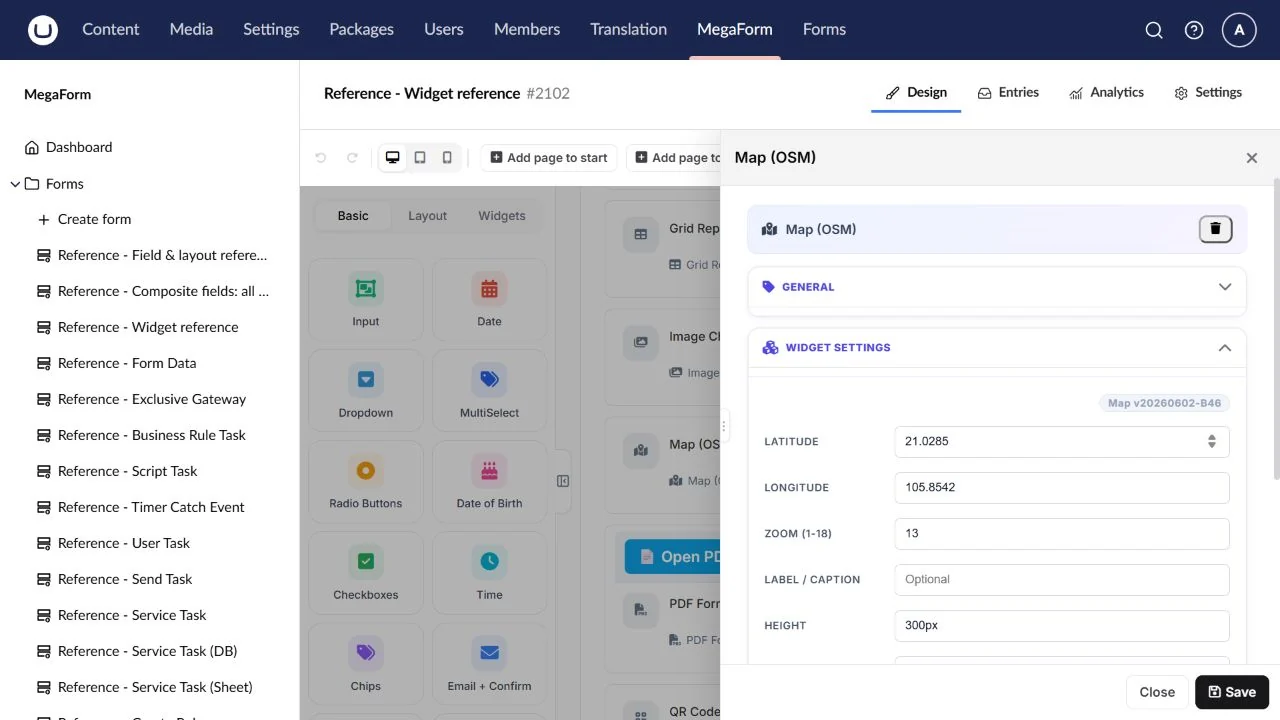
Map (OSM)
Show a location in an interactive map.
Field type: Map.
Available in the inspected builder palette.
Configure: Centre, zoom, height, markers and map options.
Result: Presentation or selected-location data according to configuration.
Check: Check map tiles and pan/zoom on the published page.
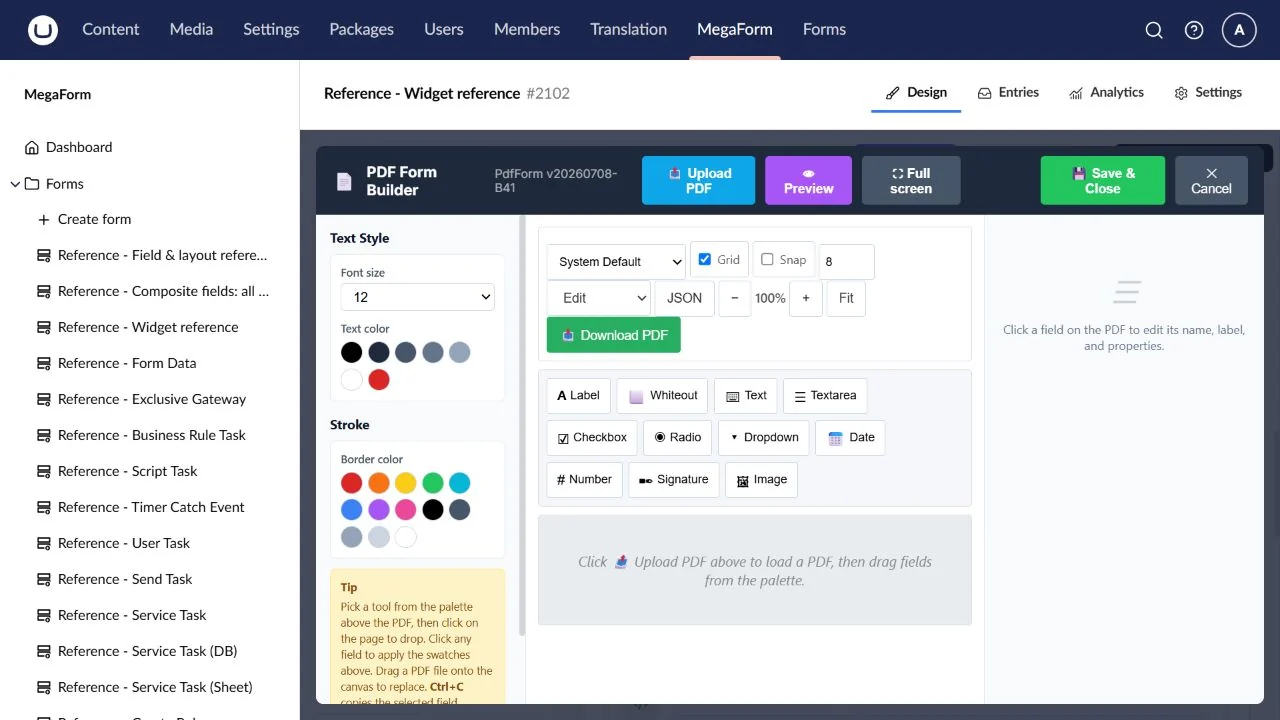
PDF Form
Fill fields positioned over a PDF document.
Field type: PdfForm.
Available in the inspected builder palette.
Configure: Source PDF, field overlays, toolbar/export and upload handling.
Result: Completed PDF attachment when configured to generate/upload it.
Check: Fill, export and submit the working PDF example.
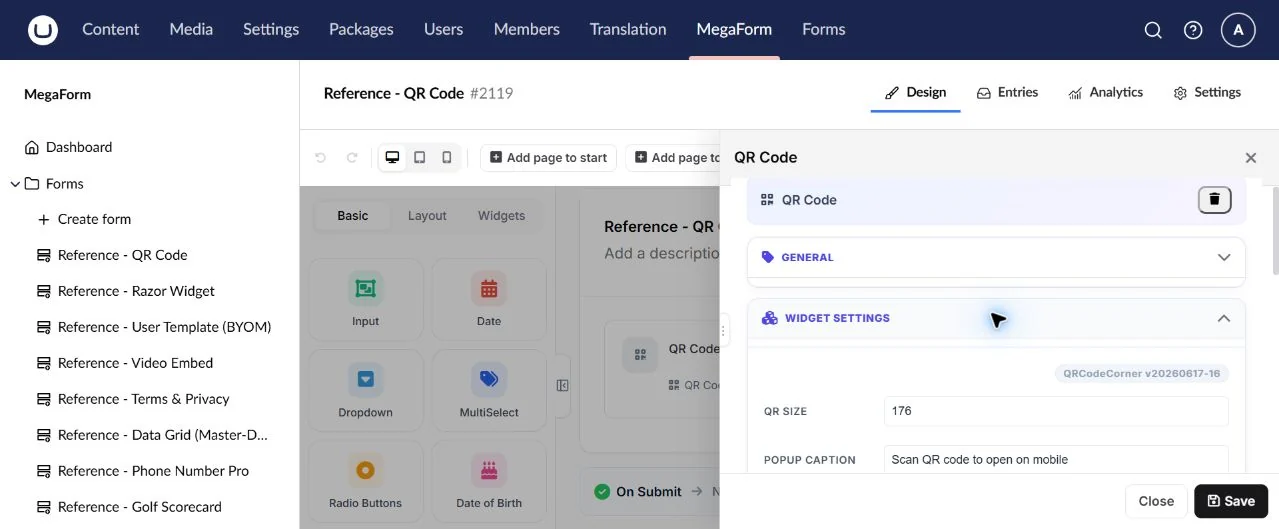
QR Code
Render a scannable code for a URL or text.
Field type: QRCode.
Available in the inspected builder palette.
Configure: Code content, size and display settings.
Result: Presentation, not proof that a visitor scanned it.
Check: Scan the actual rendered code on another device.
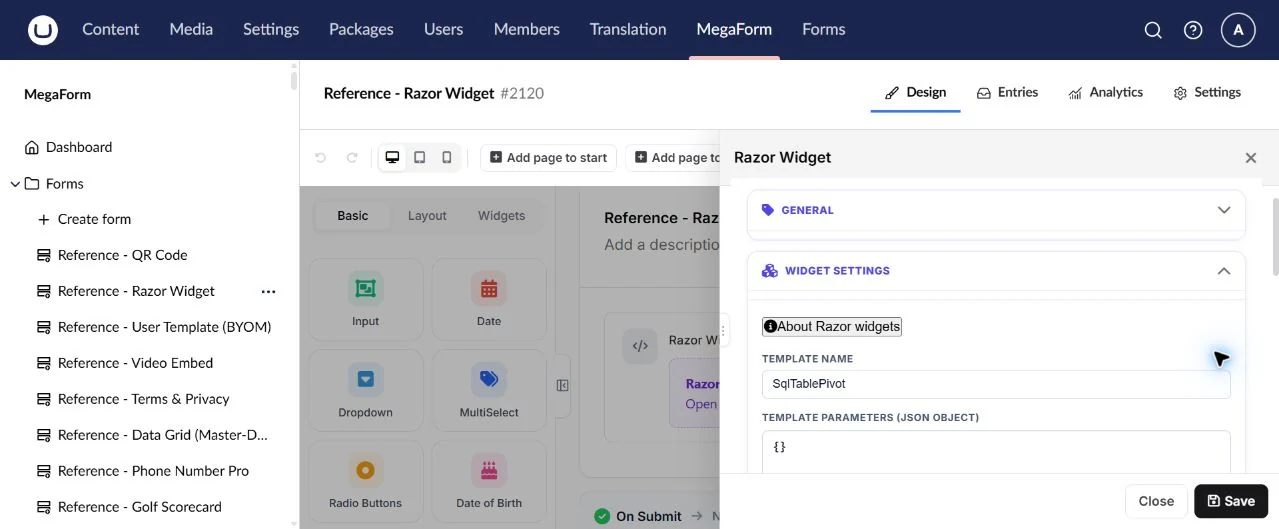
Razor Widget
Render administrator-owned server-side dynamic content.
Field type: Razor.
Available in the inspected builder palette.
Configure: Recipe/template, inputs and host-supported execution settings.
Result: Rendered content or configured widget output.
Check: Verify host support and server execution; browser JavaScript does not execute C#.
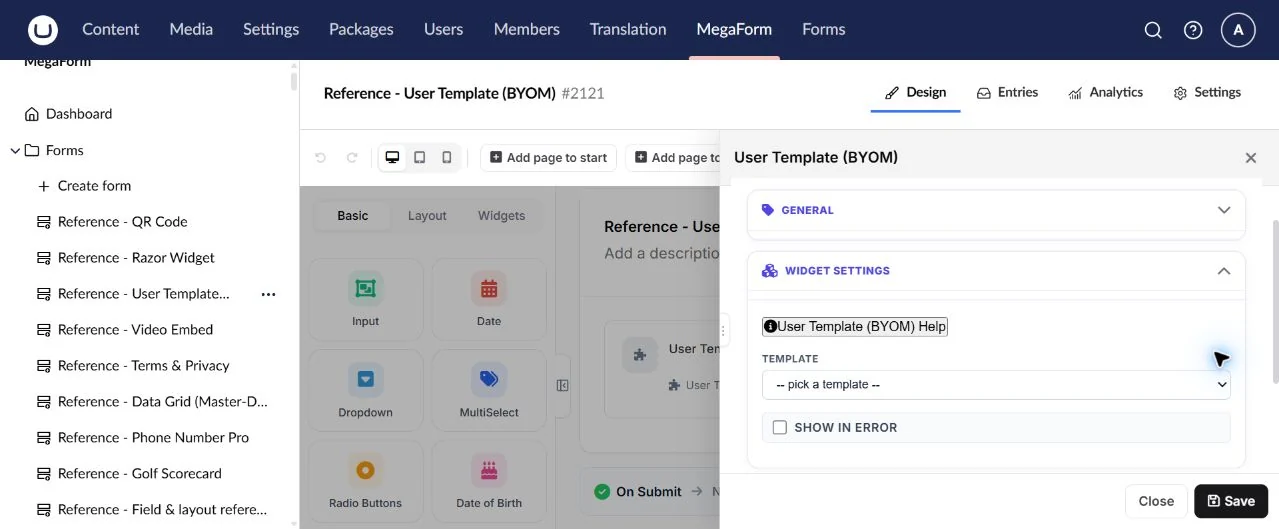
User Template (BYOM)
Use custom markup as a reusable widget.
Field type: UserTemplate.
Available in the inspected builder palette.
Configure: Template markup, bindings, resources and scoped styles.
Result: Output depends on the authored template and bound field keys.
Check: Check asset paths, rules and submission bindings on the live host.
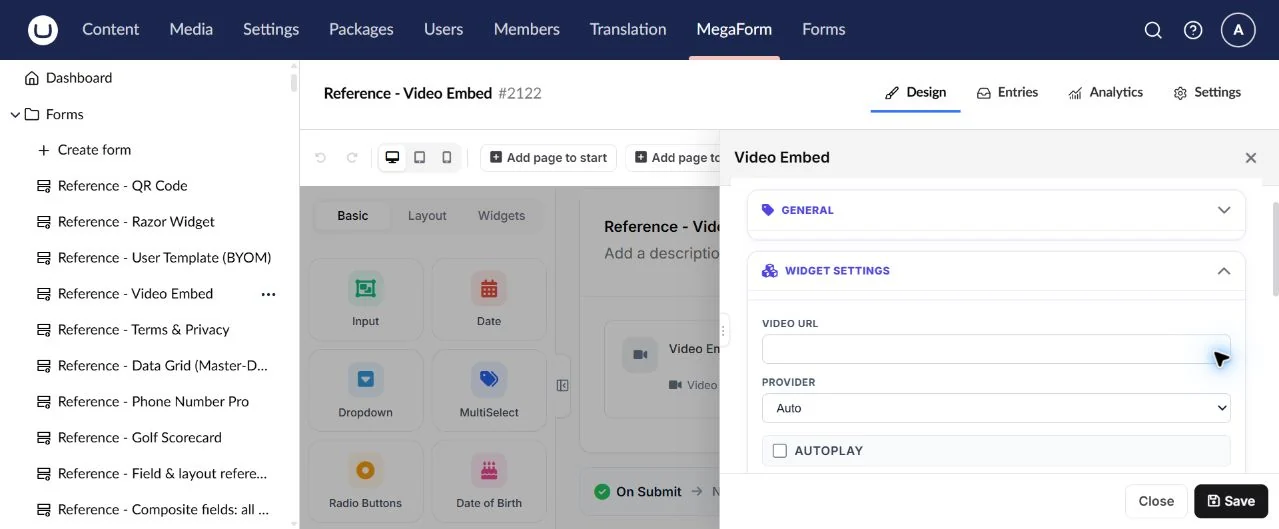
Video Embed
Embed a supported video resource.
Field type: VideoEmbed.
Available in the inspected builder palette.
Configure: Provider/source URL, display dimensions and playback options.
Result: Presentation unless a specific tracking/output option is configured.
Check: Check provider permission, playback and mobile sizing.
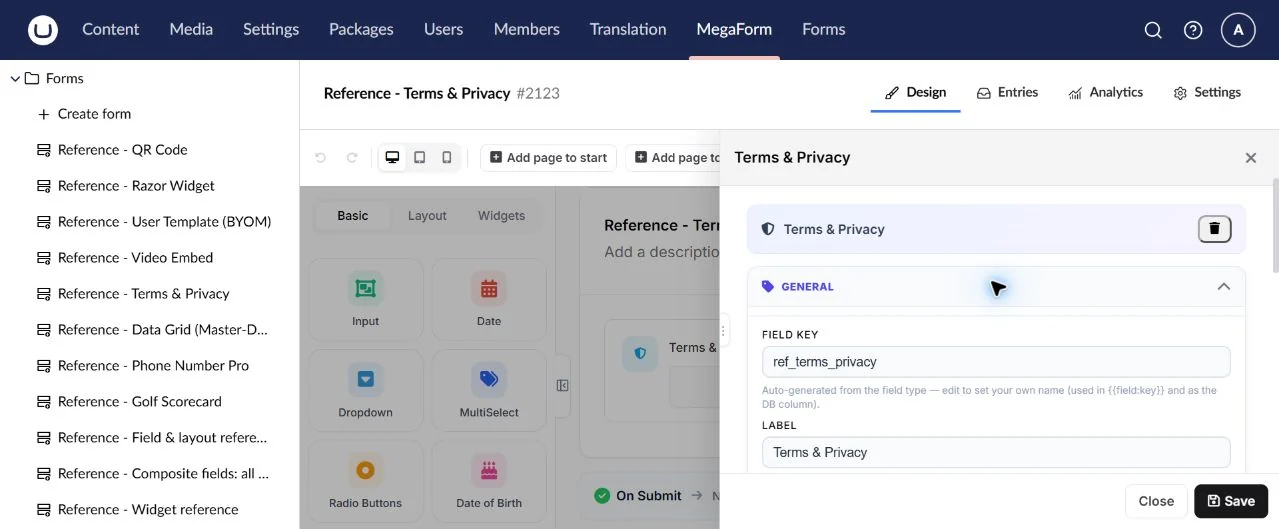
Terms & Privacy
Present a consent checkbox and document links.
Field type: TermsPrivacy.
Available in the inspected builder palette.
Configure: Consent wording, policy links and required state.
Result: The configured consent answer.
Check: Check unchecked rejection and working document links; a form checkbox is not a policy generator.
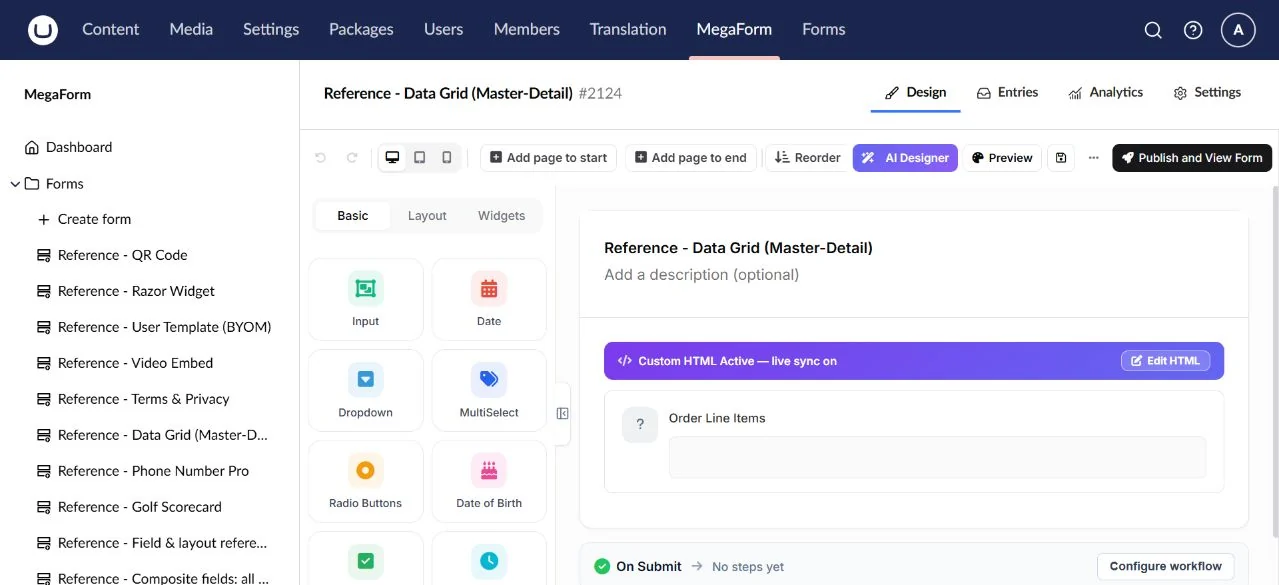
Data Grid (Master-Detail)
An advanced data grid for existing/imported widget definitions.
Field type: DataGrid.
Registered extension; not in the inspected default palette.
Configure: Data source, columns, master/detail relationships and allowed operations.
Result: Configured row/selection data; source permissions still apply.
Check: This registered extension is not a default palette tile in the inspected Umbraco build; verify a configured instance.
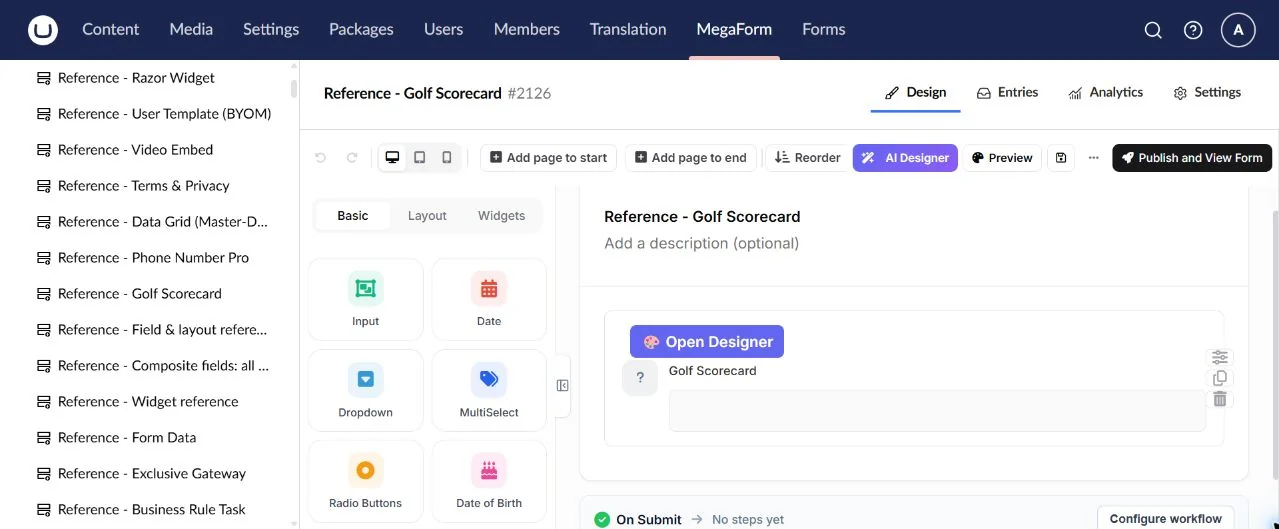
The screenshot shows an imported definition before its data source is configured. This build displays a placeholder and offers AI-assisted setup; the image is not a working master/detail grid demonstration. Check the required plugin and a configured instance on your host before adopting it.
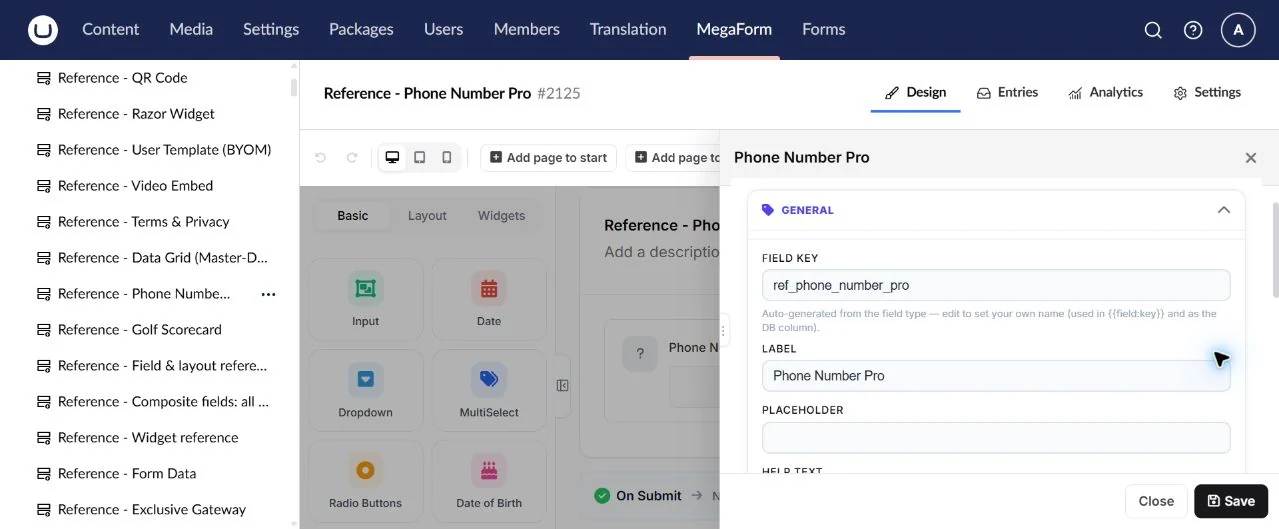
Phone Number Pro
An extended phone widget for existing/imported definitions.
Field type: PhoneNumberPro.
Registered extension; not in the inspected default palette.
Configure: Country options, formatting and validation supported by the plugin.
Result: The configured telephone value.
Check: Not a default palette tile in this build; use Input → Phone Number for ordinary authoring.
Golf Scorecard
A specialised scorecard widget for imported/custom configurations.
Field type: GolfScorecard.
Registered extension; not in the inspected default palette.
Configure: Players/holes and scoring options exposed by the plugin.
Result: Configured scorecard data.
Check: Not a default palette tile in this build; verify the specialised configuration before publishing.