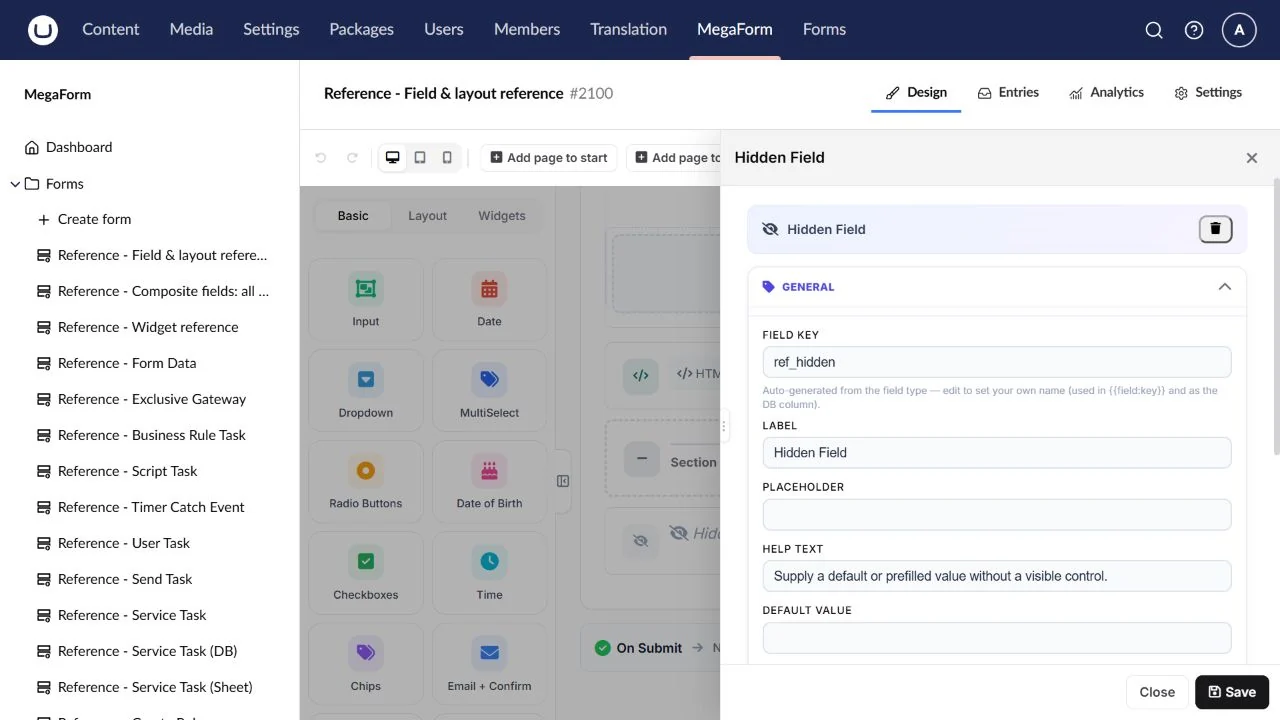
Fields and layout controls
Choose Basic or Layout in the builder palette, add a control, then select it to edit its properties. The images below show the real Umbraco builder with dedicated documentation drafts. Shared settings include the field key, label, help, validation, conditional logic and security where applicable. See the composite presets for the Input family and widget reference for specialised controls.
Use the configuration screenshot as a guide. Select it to open the full-size image.
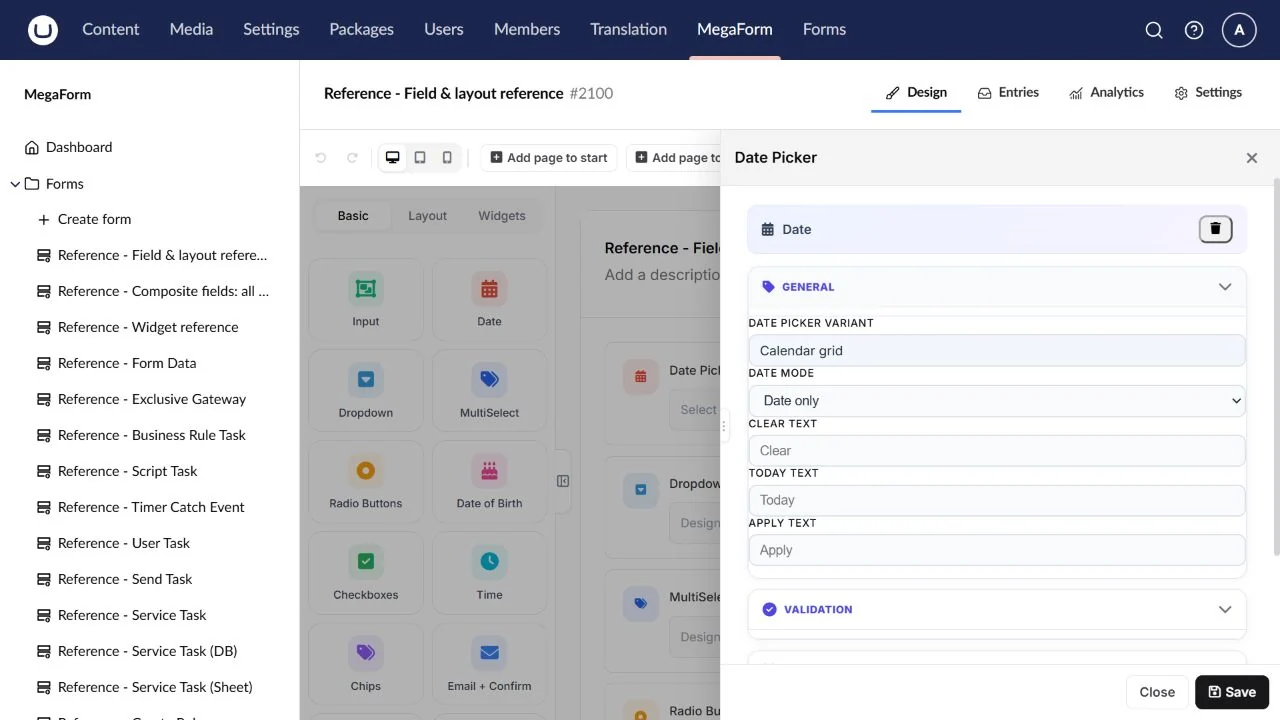
Date Picker
A calendar-based date answer.
Field type: Date.
Configure: Display format, date bounds, default and required state.
Result: A date answer under the field key.
Check: Test keyboard entry and boundary dates.
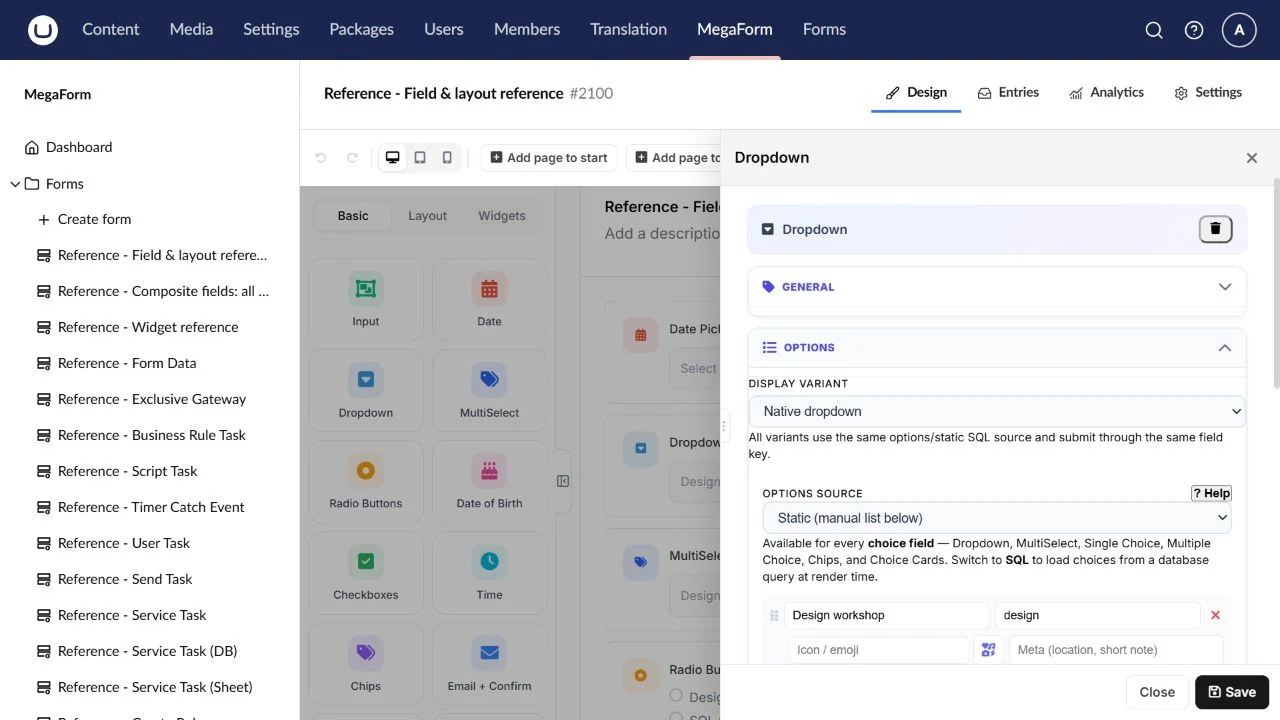
Dropdown
One choice from a compact list.
Field type: Select.
Configure: Stable option values, labels, empty option or a reusable prevalue source.
Result: One selected option value.
Check: Change the visible label and confirm the durable value still drives rules.
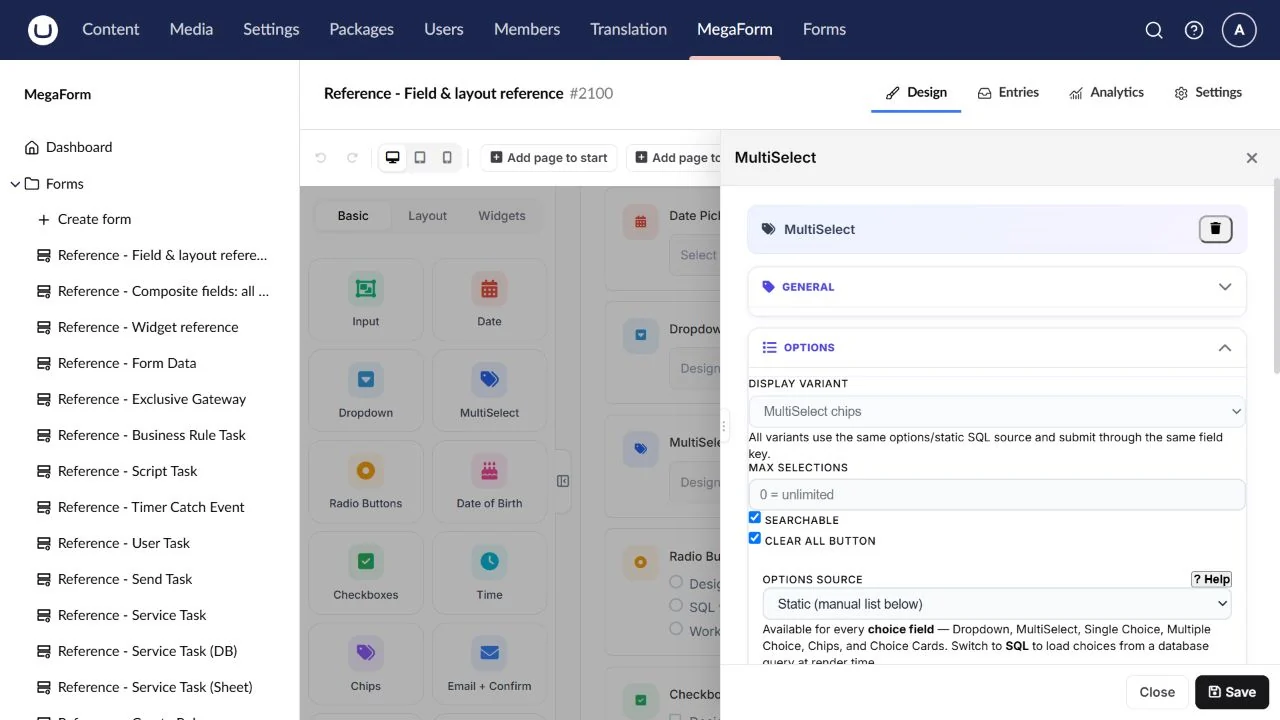
MultiSelect
Several selections with chips and search.
Field type: MultiSelect.
Configure: Options/source, selection limit, search and clear controls.
Result: Multiple option values.
Check: Check no selection, the maximum and clear-all behaviour.
Radio Buttons
One choice with every option visible.
Field type: Radio.
Configure: Option labels/values, default and orientation.
Result: One selected option value.
Check: Test Required with no selected option.
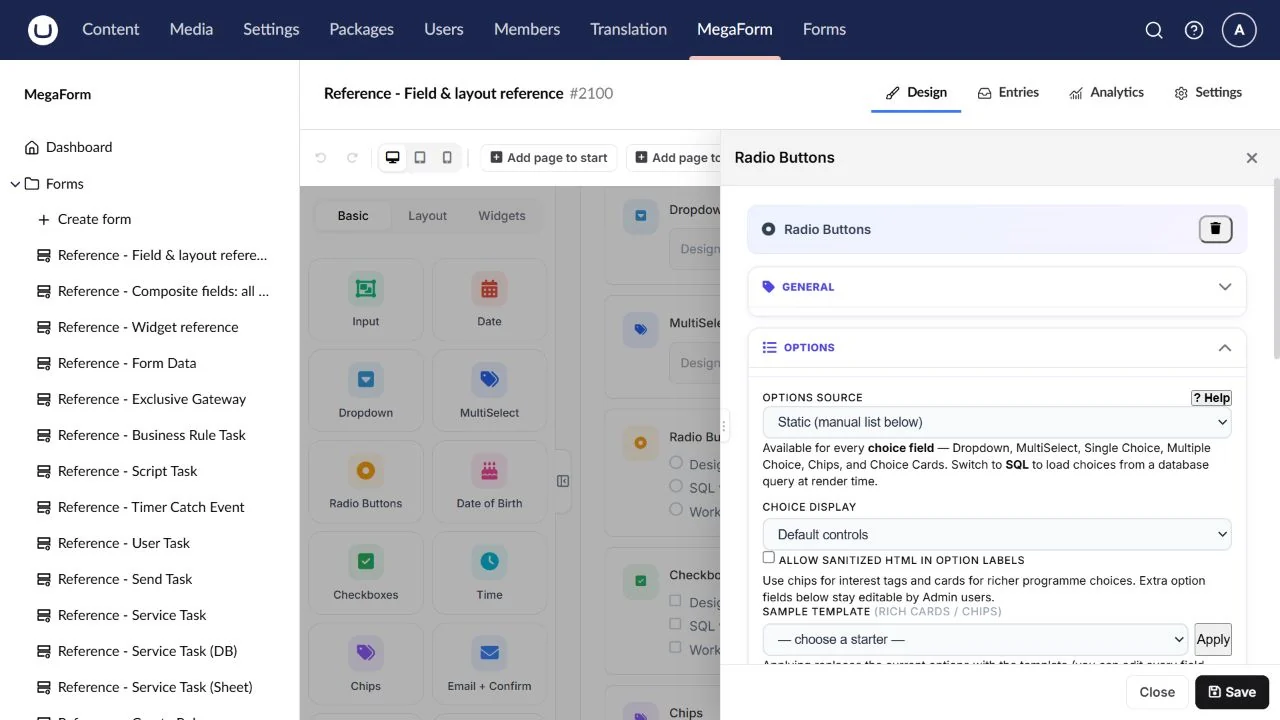
Checkboxes
A set of independently selectable choices.
Field type: Checkbox.
Configure: Options, minimum/maximum selection limits and orientation.
Result: A collection of selected values.
Check: Check zero, one and several choices; test the limits.
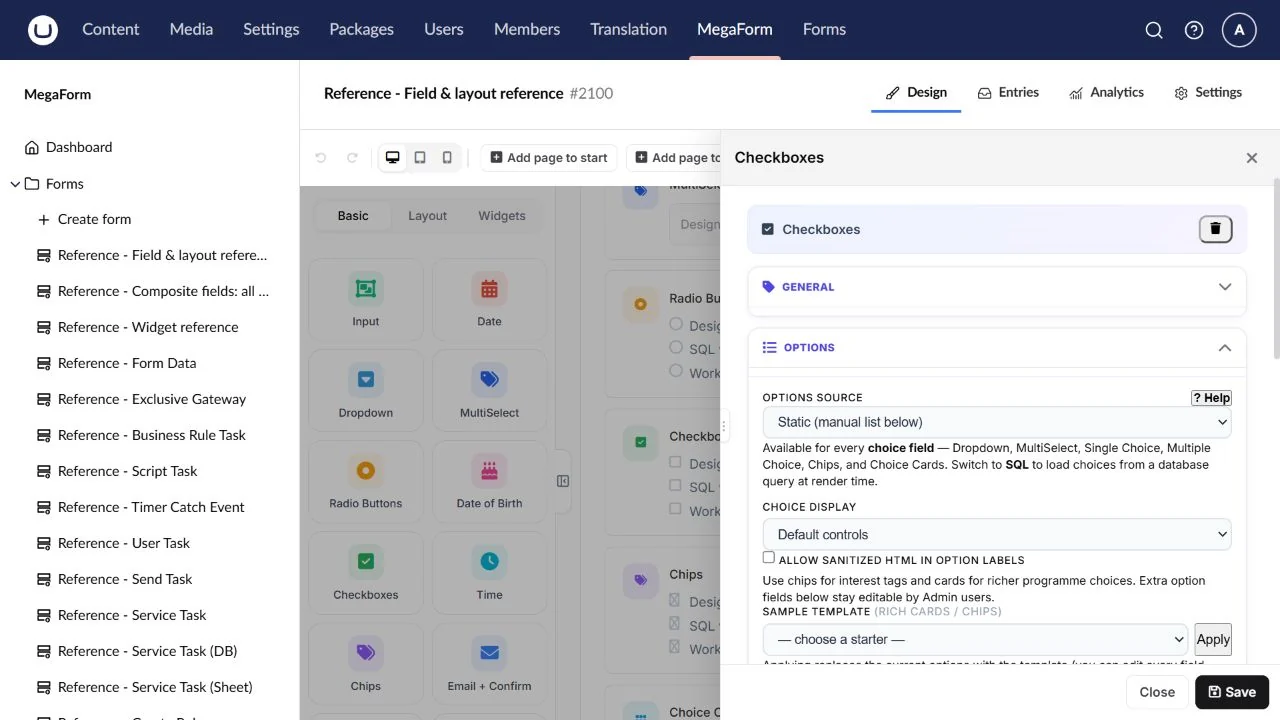
Chips
Short tag-like choices.
Field type: Chips.
Configure: Option labels/values and single/multiple selection behaviour.
Result: Selected option value(s), depending on configuration.
Check: Check the saved shape for the selected mode.
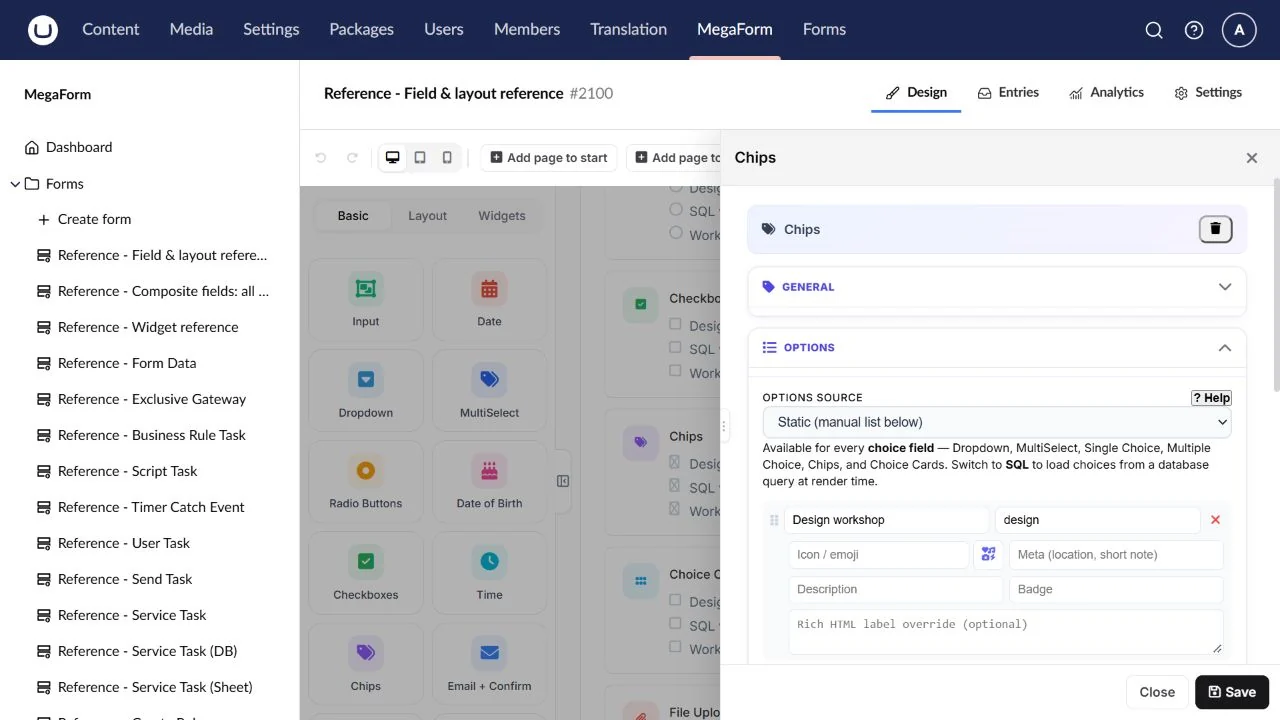
Choice Cards
Visual choices with larger selectable cards.
Field type: Cards.
Configure: Card text/artwork, stable values and selection behaviour.
Result: Selected card value(s).
Check: Test keyboard selection and image loading in the live page.
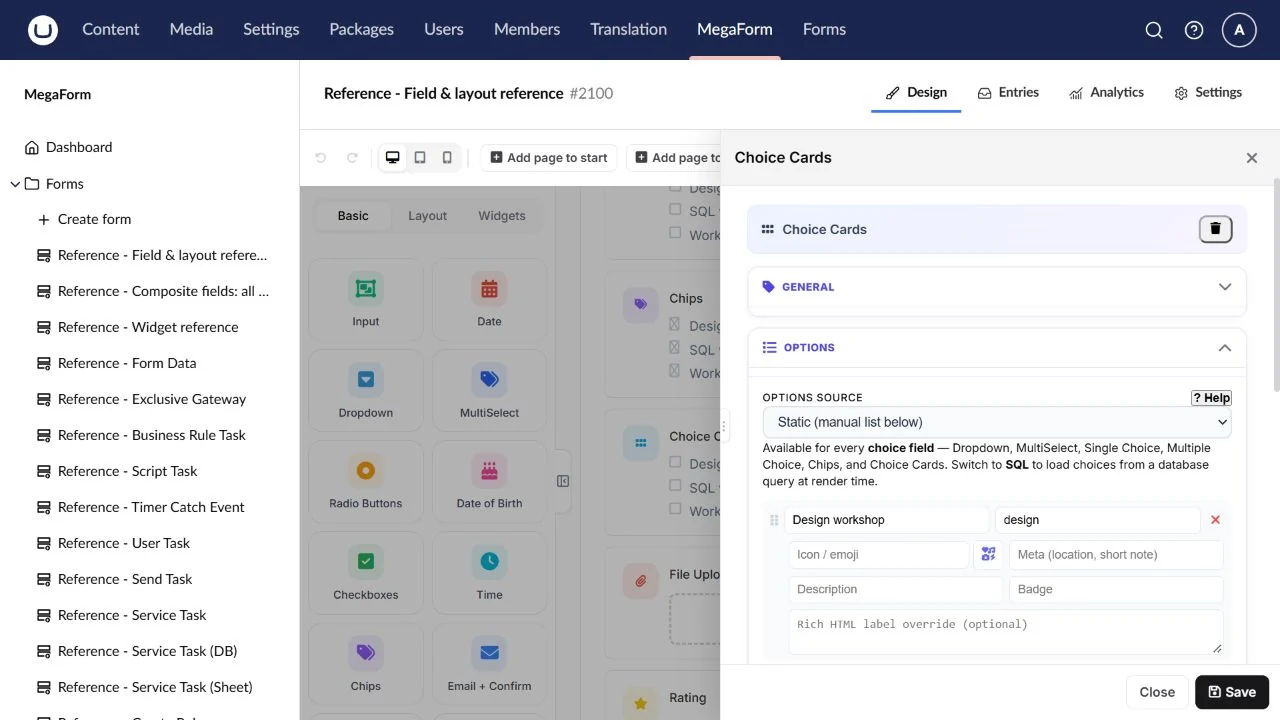
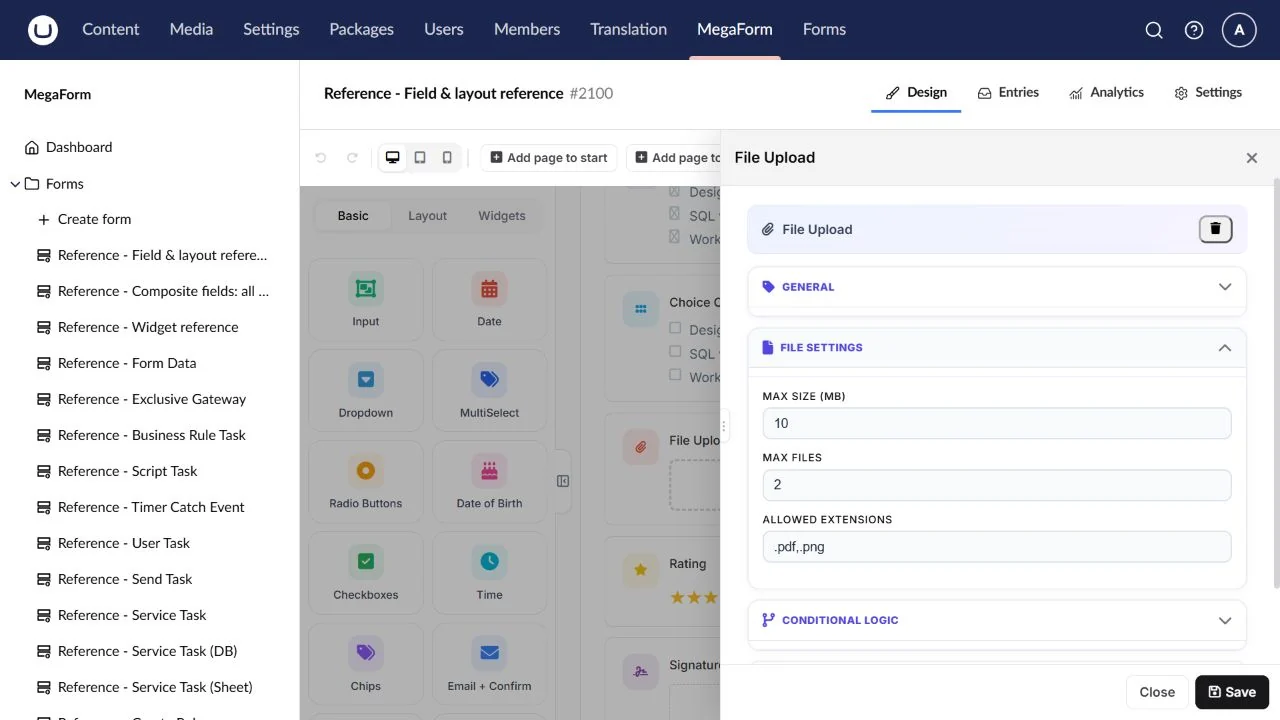
File Upload
A standard attachment input.
Field type: File.
Configure: Allowed extensions, maximum size/count and required state.
Result: Attachment metadata/references managed by MegaForm.
Check: Test an allowed file, an oversized file and private download access.
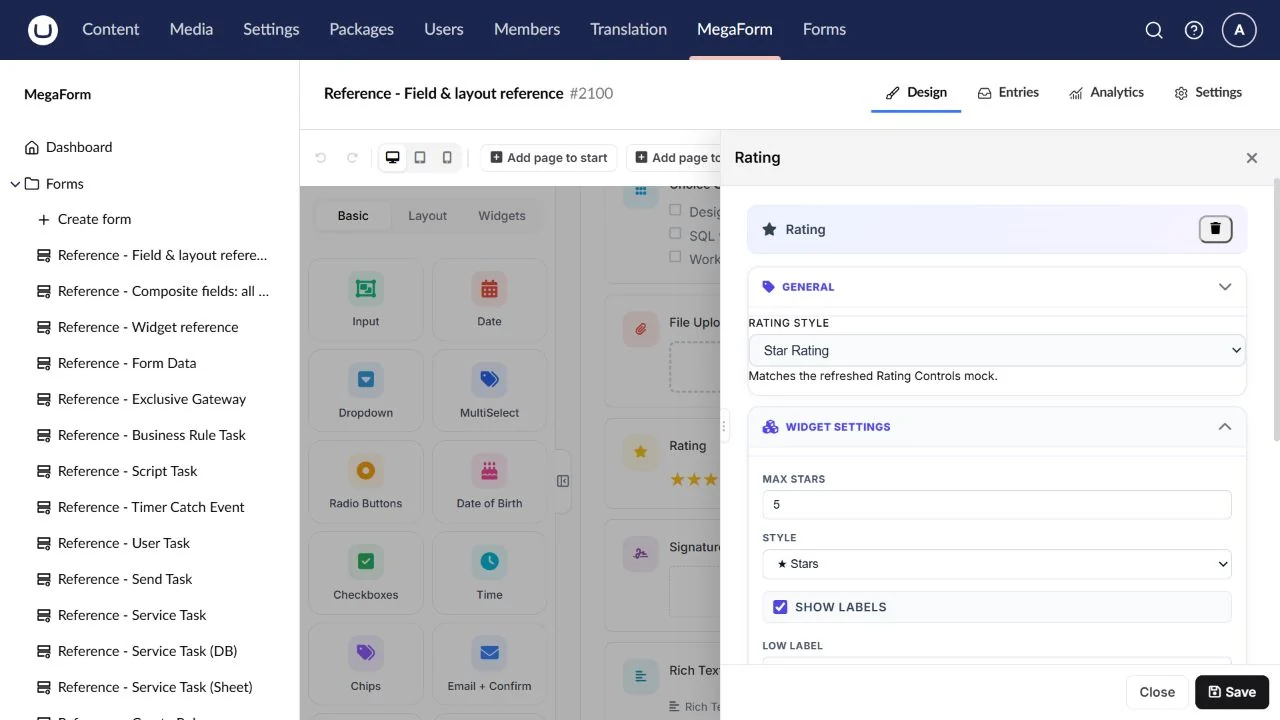
Rating
A bounded satisfaction or assessment score.
Field type: Rating.
Configure: Rating style, scale, labels and required state.
Result: A selected rating value.
Check: Test no answer and both ends of the scale.
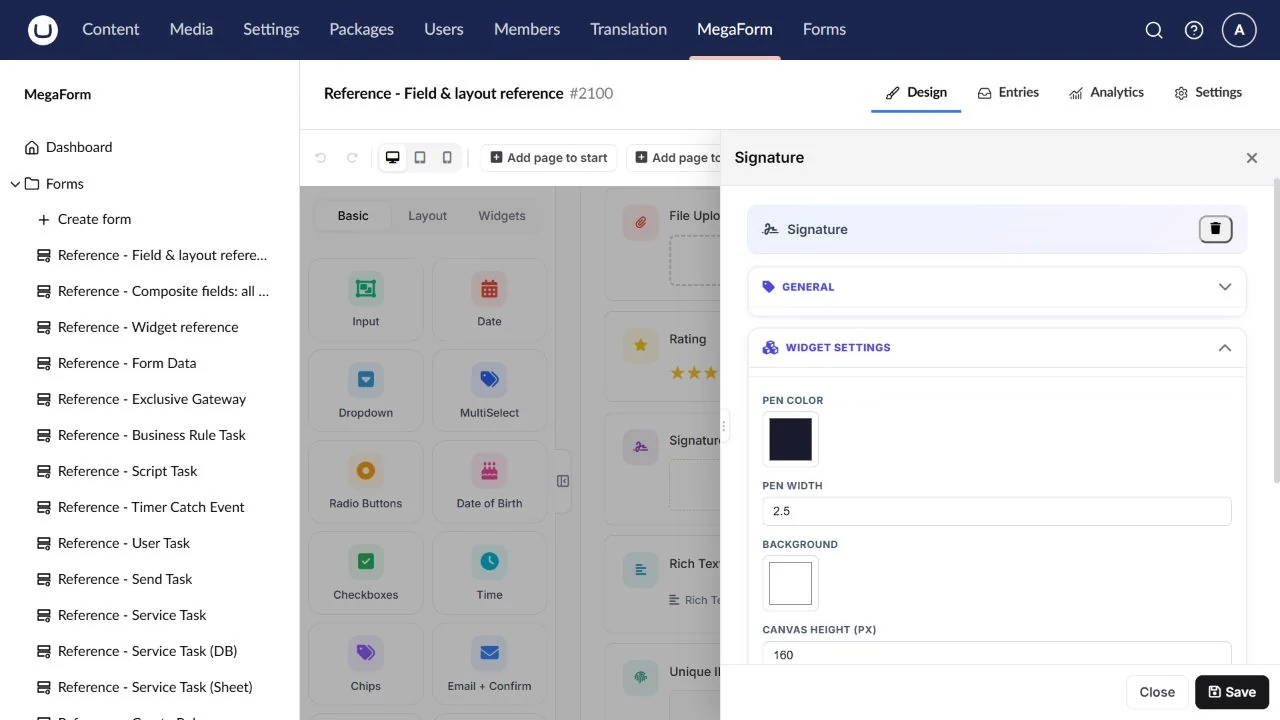
Signature
A drawn signature captured on a canvas.
Field type: Signature.
Configure: Canvas dimensions, pen/display options and required state.
Result: A captured image or attachment reference, depending on the configured pipeline.
Check: Draw, clear and redraw using mouse and touch.
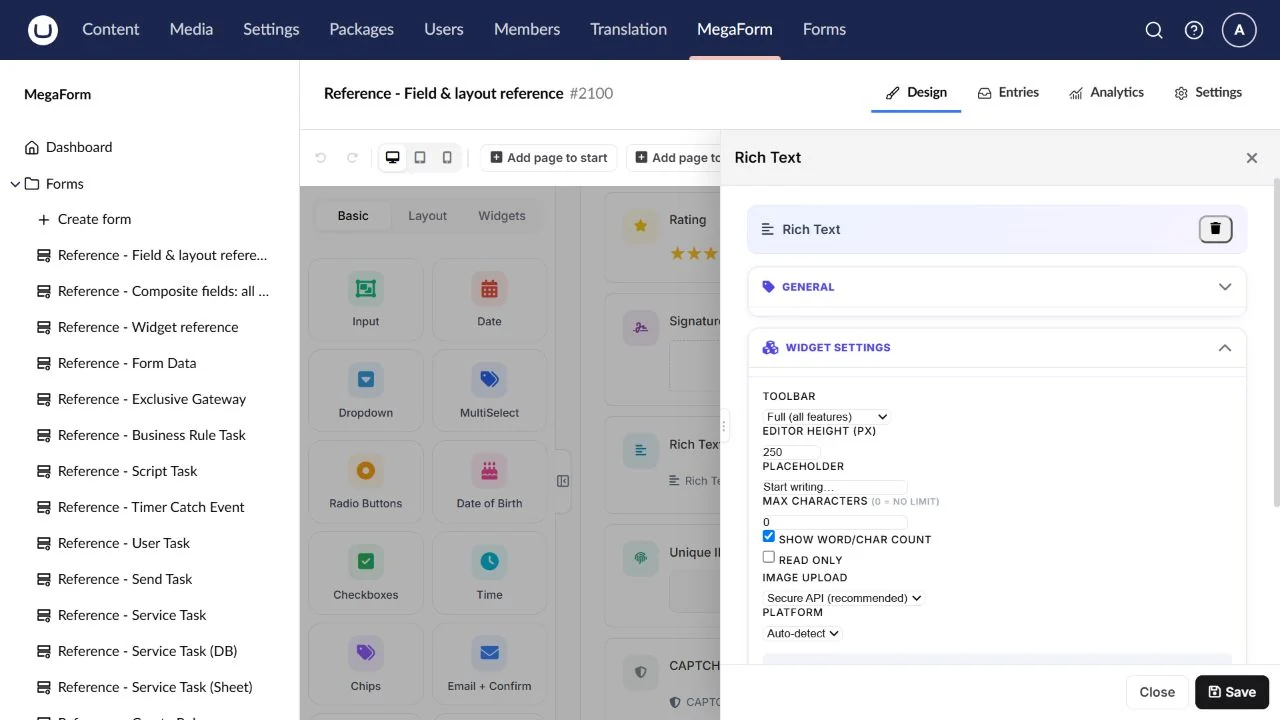
Rich Text
An answer with supported rich-text formatting.
Field type: RichText.
Configure: Toolbar/content settings, required state and length guidance.
Result: Rich-text content handled by the field pipeline.
Check: Check formatting, pasted content and the saved entry.
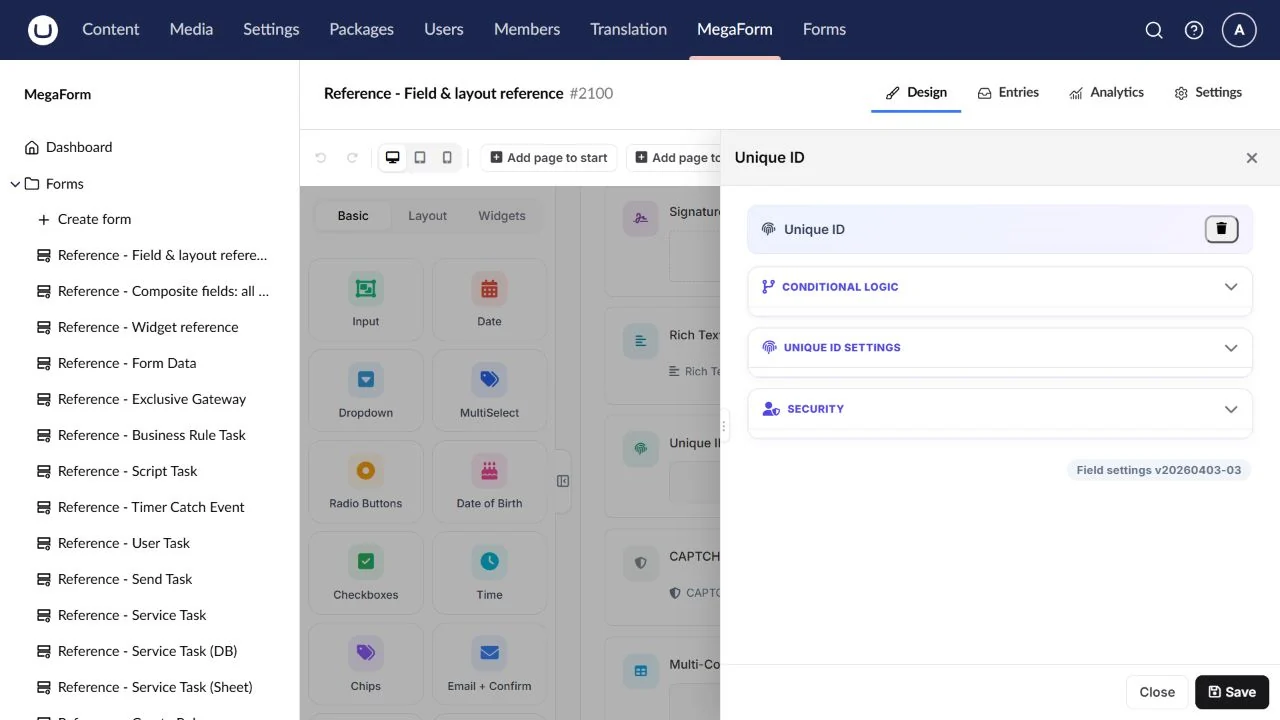
Unique ID
An automatically generated entry reference.
Field type: UniqueId.
Configure: Prefix, padding, starting value and suffix/pattern settings.
Result: A generated reference.
Check: Inspect saved values across multiple entries; a decorative reference is not a database constraint.
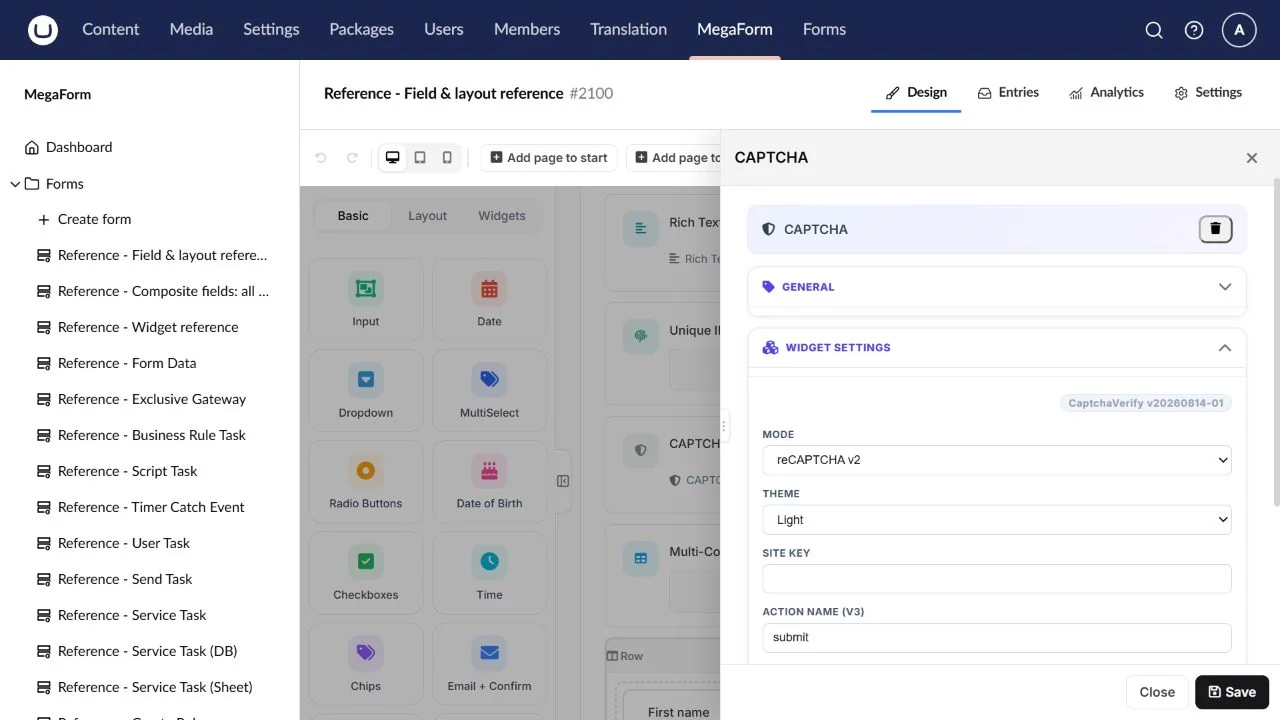
CAPTCHA
A spam challenge using a configured provider.
Field type: Captcha.
Configure: Provider/site key in the field and the corresponding secret on the server.
Result: A challenge response used during verification.
Check: Test success and rejection on the deployed hostname.
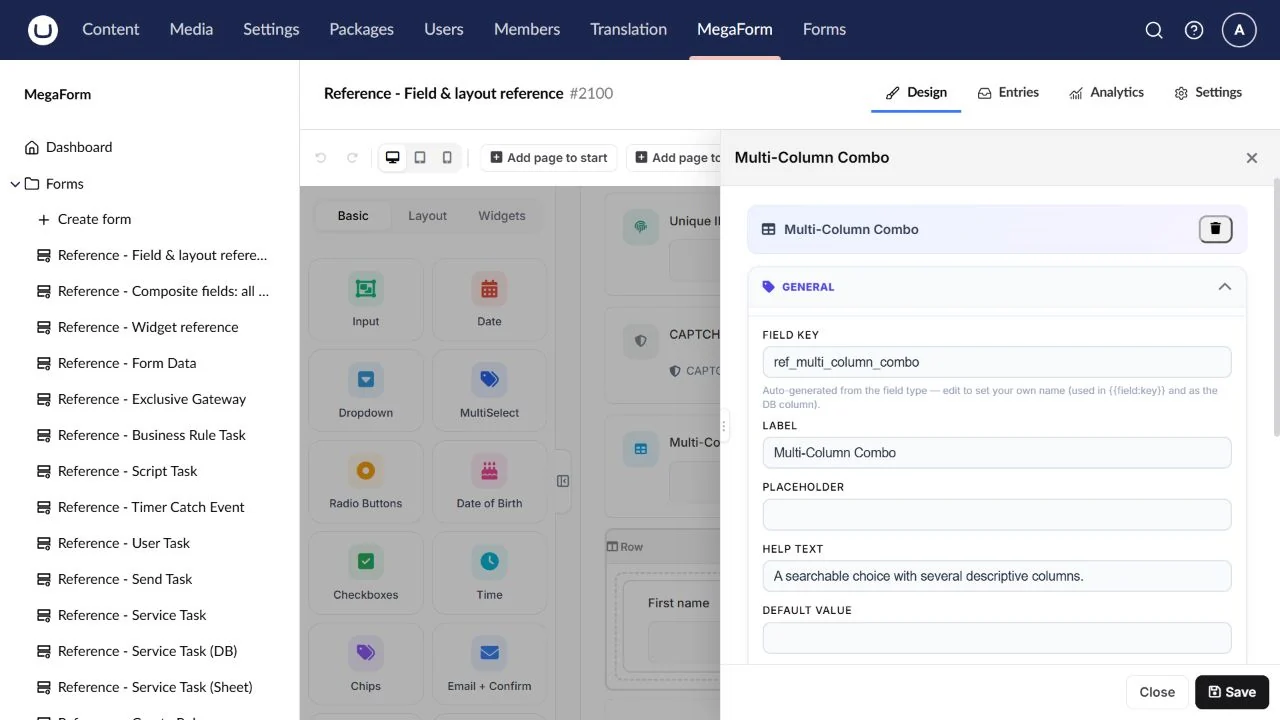
Multi-Column Combo
A searchable choice with several descriptive columns.
Field type: MultiColumnCombo.
Configure: Option source, column definitions, display key and search.
Result: The selected option value, not the whole visible row.
Check: Check SQL column mappings and the saved selection.
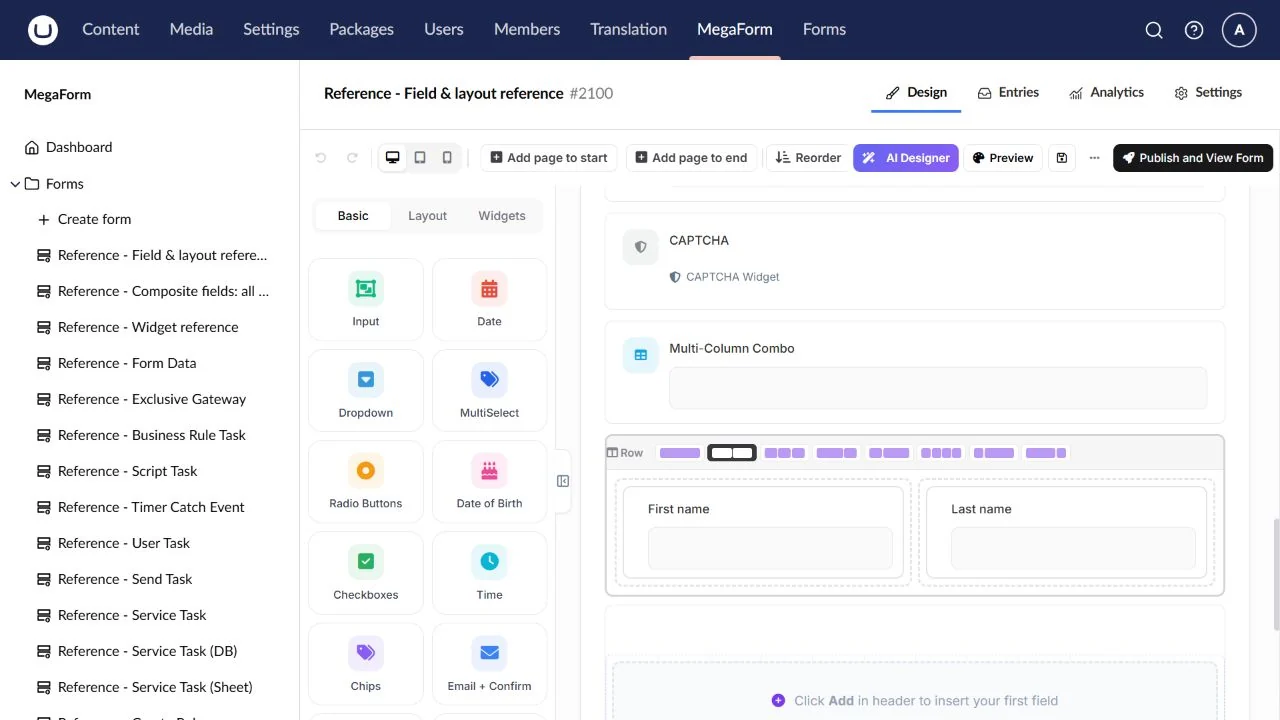
Row / Columns
Place related controls side by side.
Field type: Row.
Configure: Column spans and the child fields in each column.
Result: Child-field answers; the row itself is layout.
Check: Check stacking and reading order on mobile.
Flex Grid (12-col)
Arrange a more detailed responsive field grid.
Field type: FlexGrid.
Configure: Grid columns, spans and nested content.
Result: Child-field answers; the grid is layout.
Check: Check narrow panes, keyboard order and hidden-parent rules.
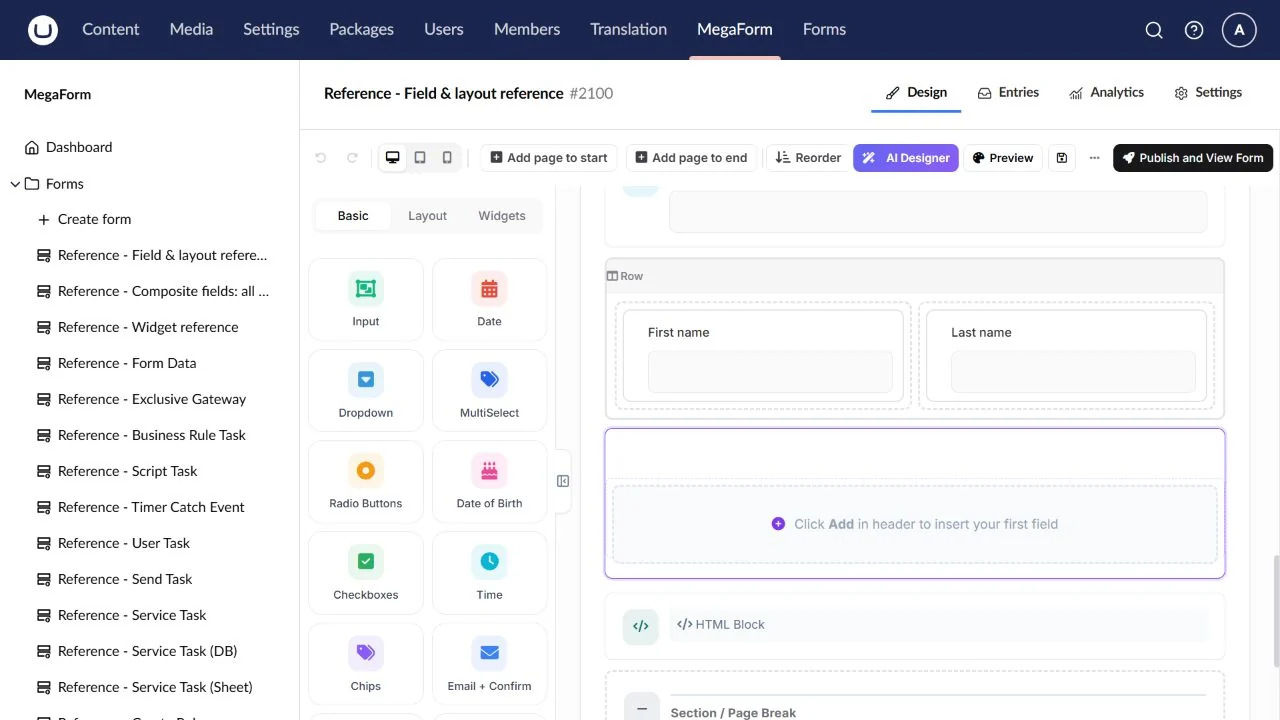
HTML Block
Display headings, instructions or approved custom markup.
Field type: Html.
Configure: Content and scoped styling; keep secrets out of public markup.
Result: Presentation content, not a visitor answer.
Check: Check links, accessibility and the surrounding site theme.
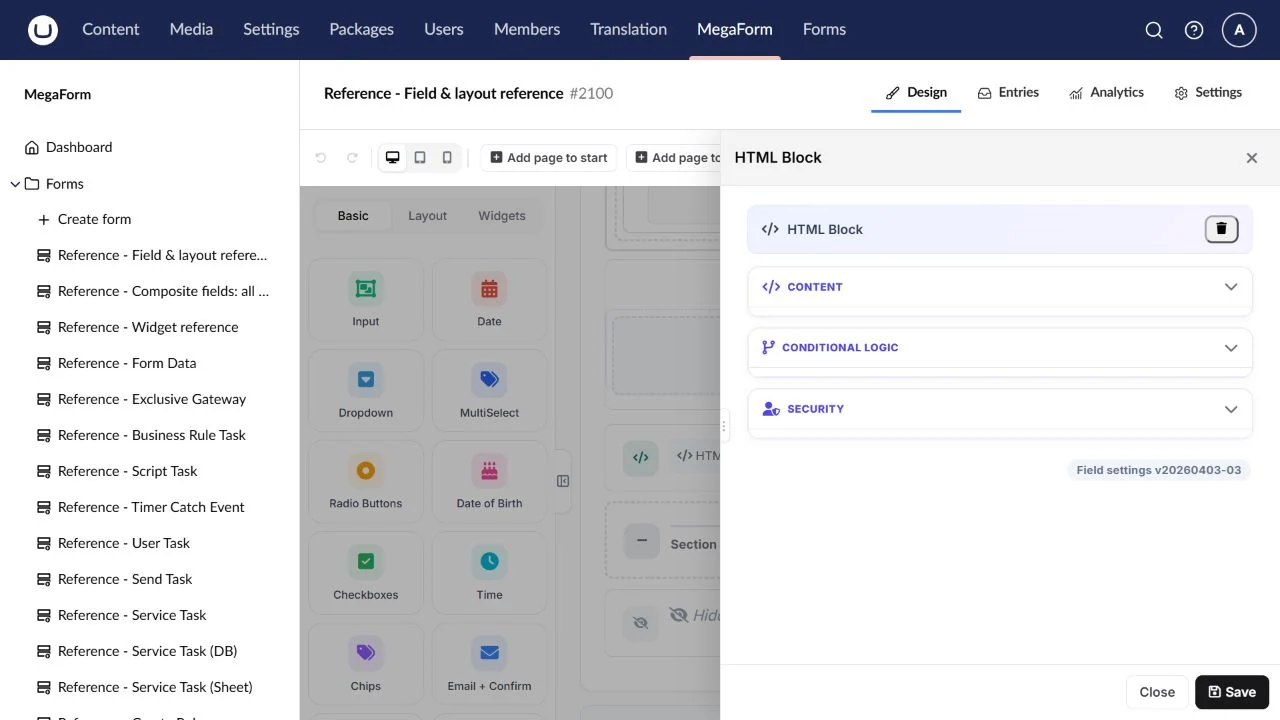
Section / Page Break
Separate related questions or begin a form step.
Field type: Section.
Configure: Heading/help text and the page-break flag for multi-step forms.
Result: Layout/page structure, not an answer.
Check: Test Next, Back and validation at each step.
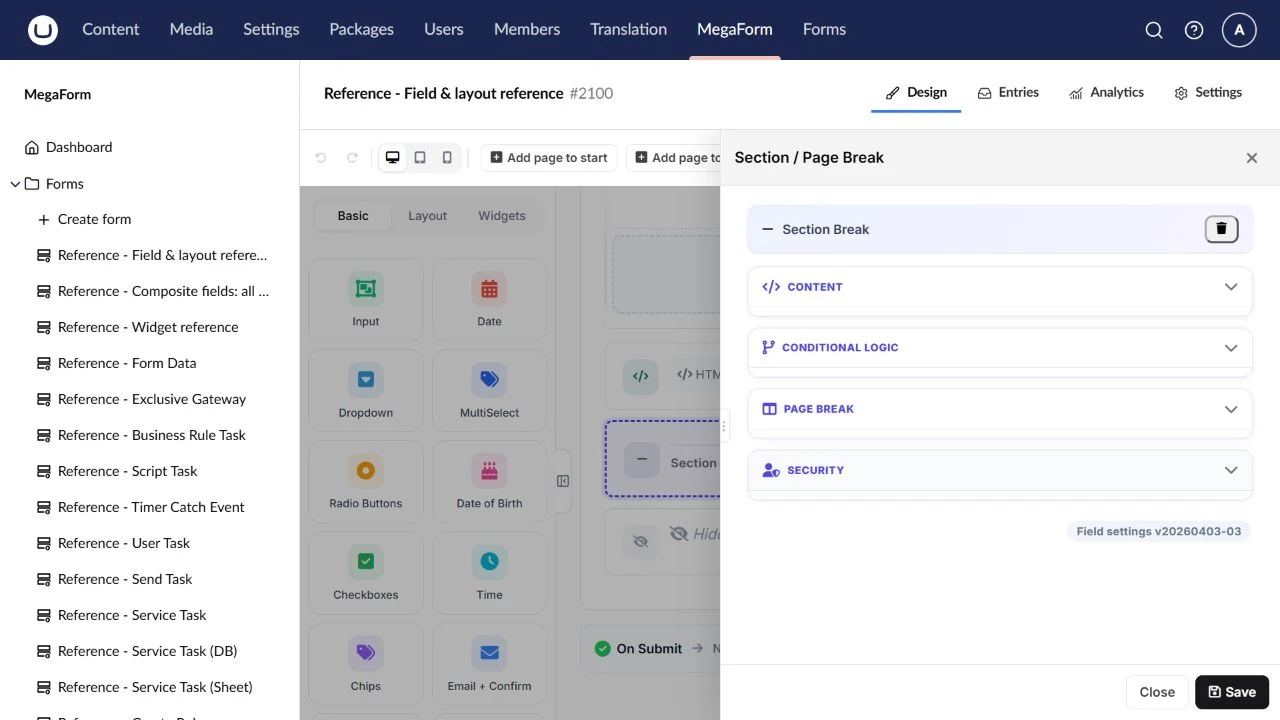
Hidden Field
Supply a default or prefilled value without a visible control.
Field type: Hidden.
Configure: Stable key, default and prefill source.
Result: A submitted hidden value.
Check: Validate important values server-side; visitors can modify hidden controls.